

Sluit KeyMod aan (Mini / Plus)
In het doelapparaat. Geen drivers. BIOS-klaar.
Zakformaat USB multi-tool bridge.
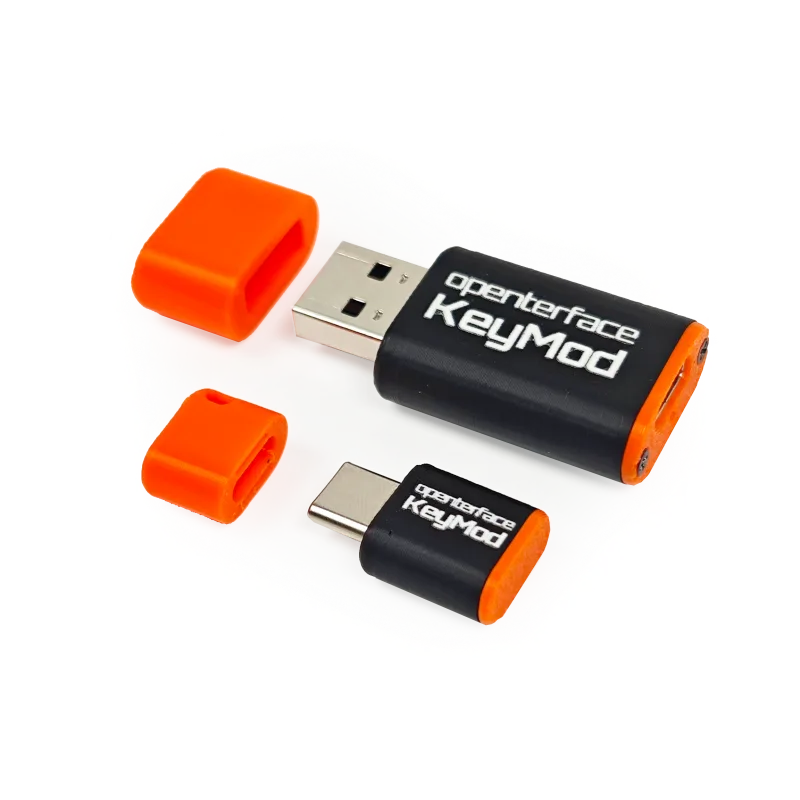
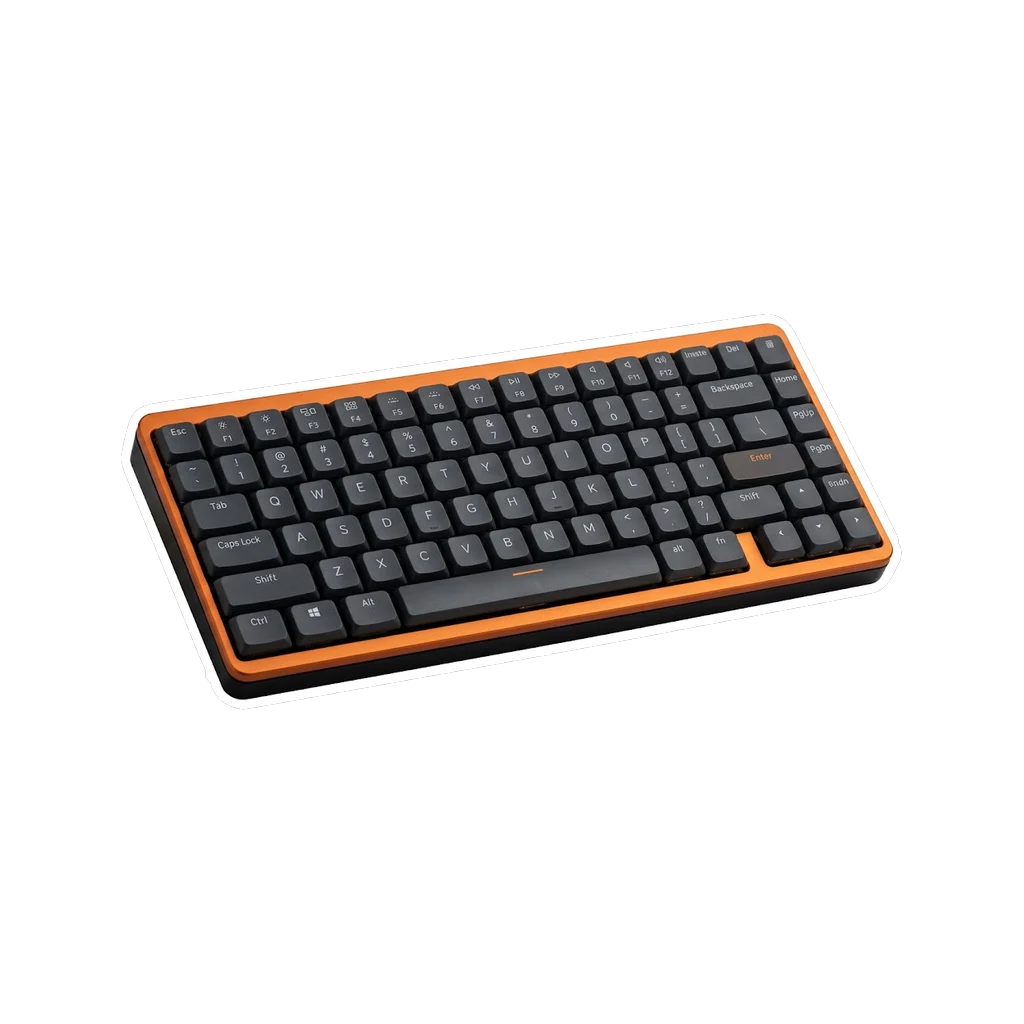
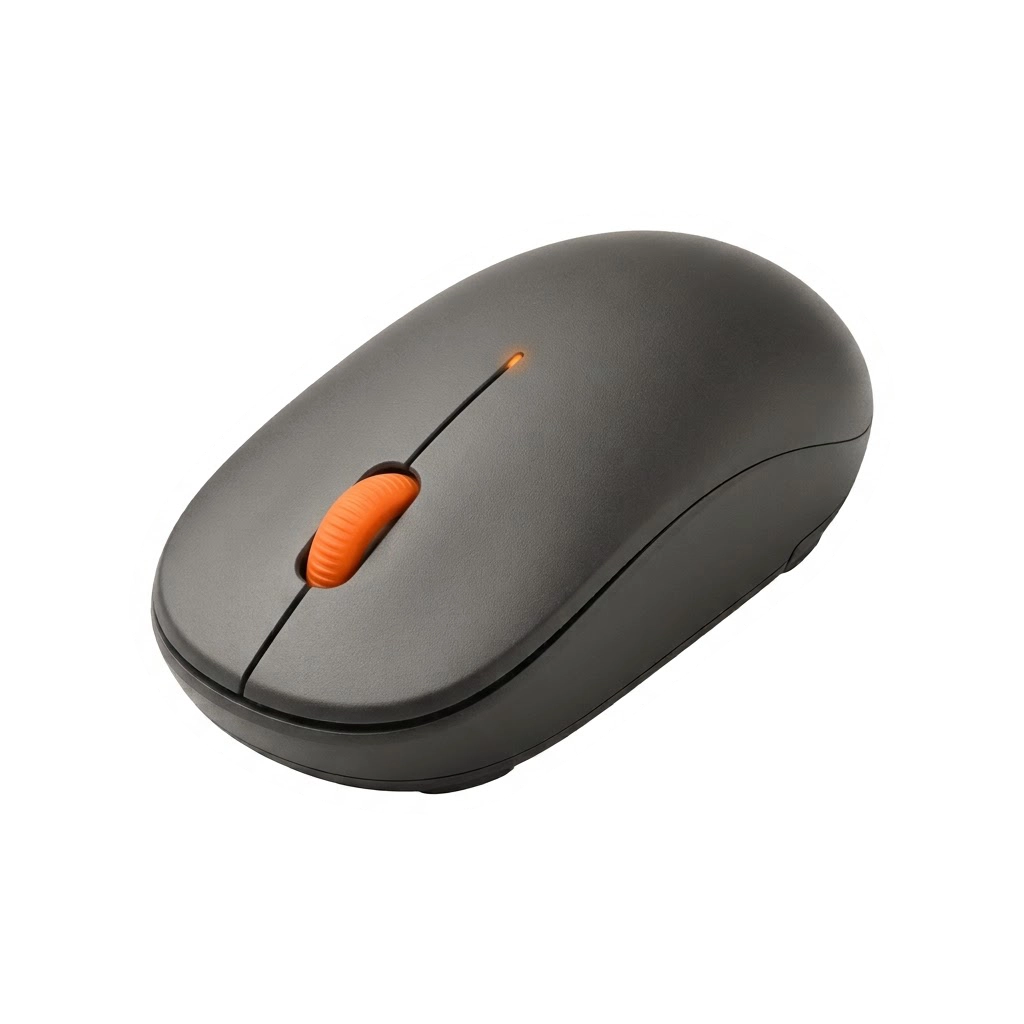
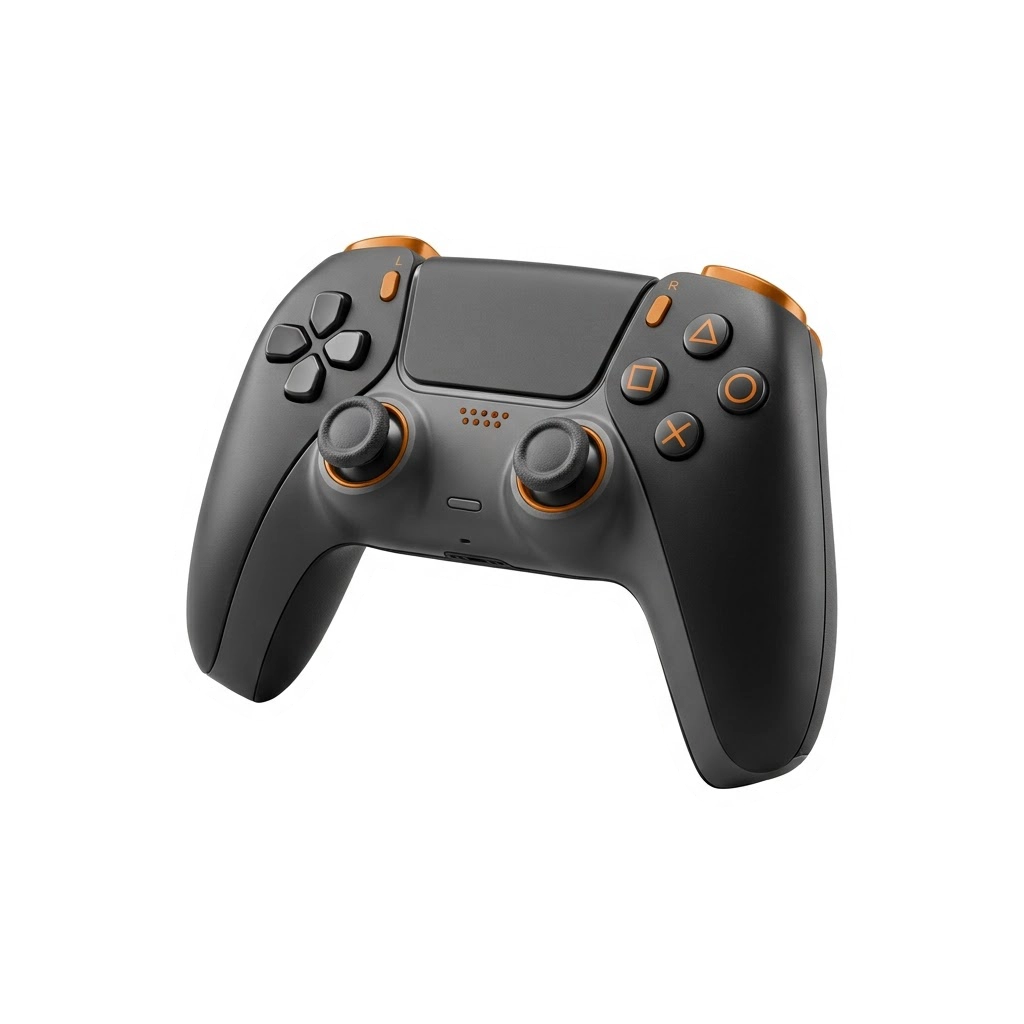
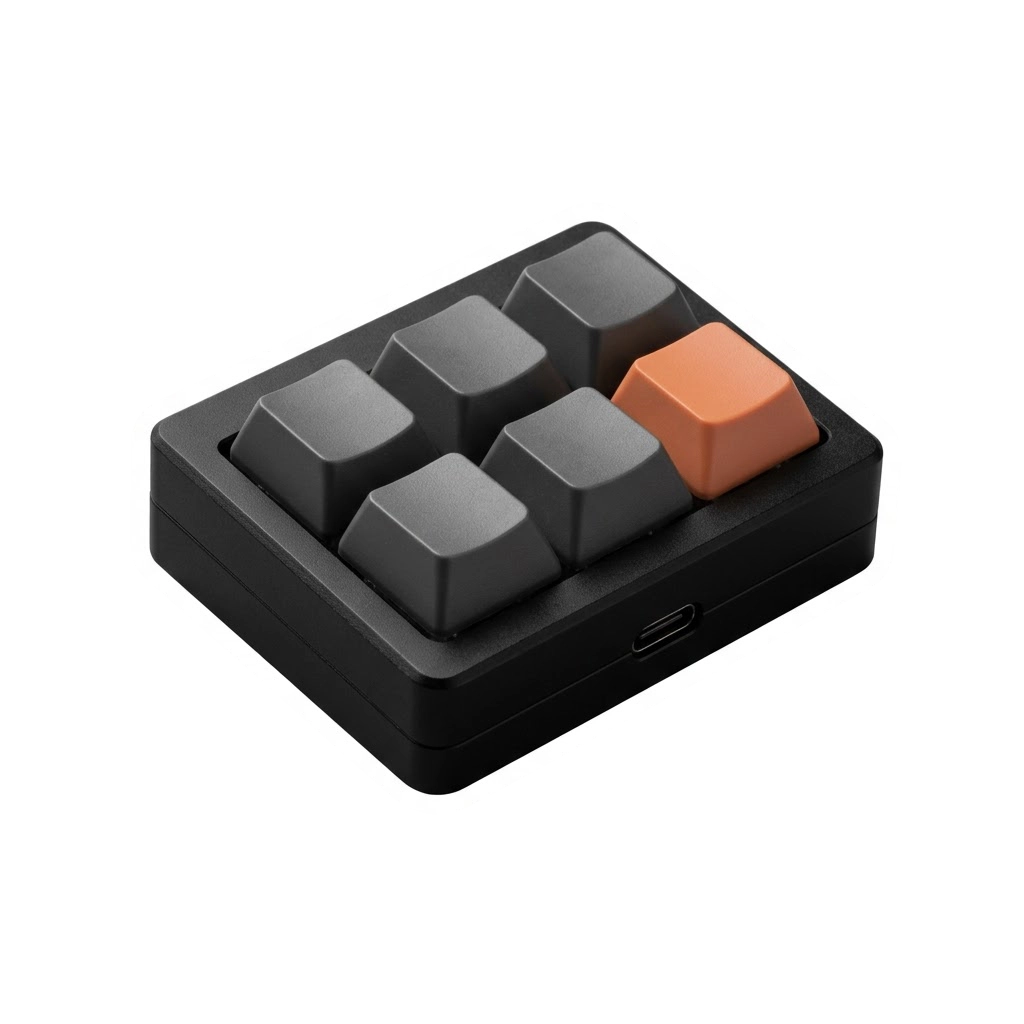
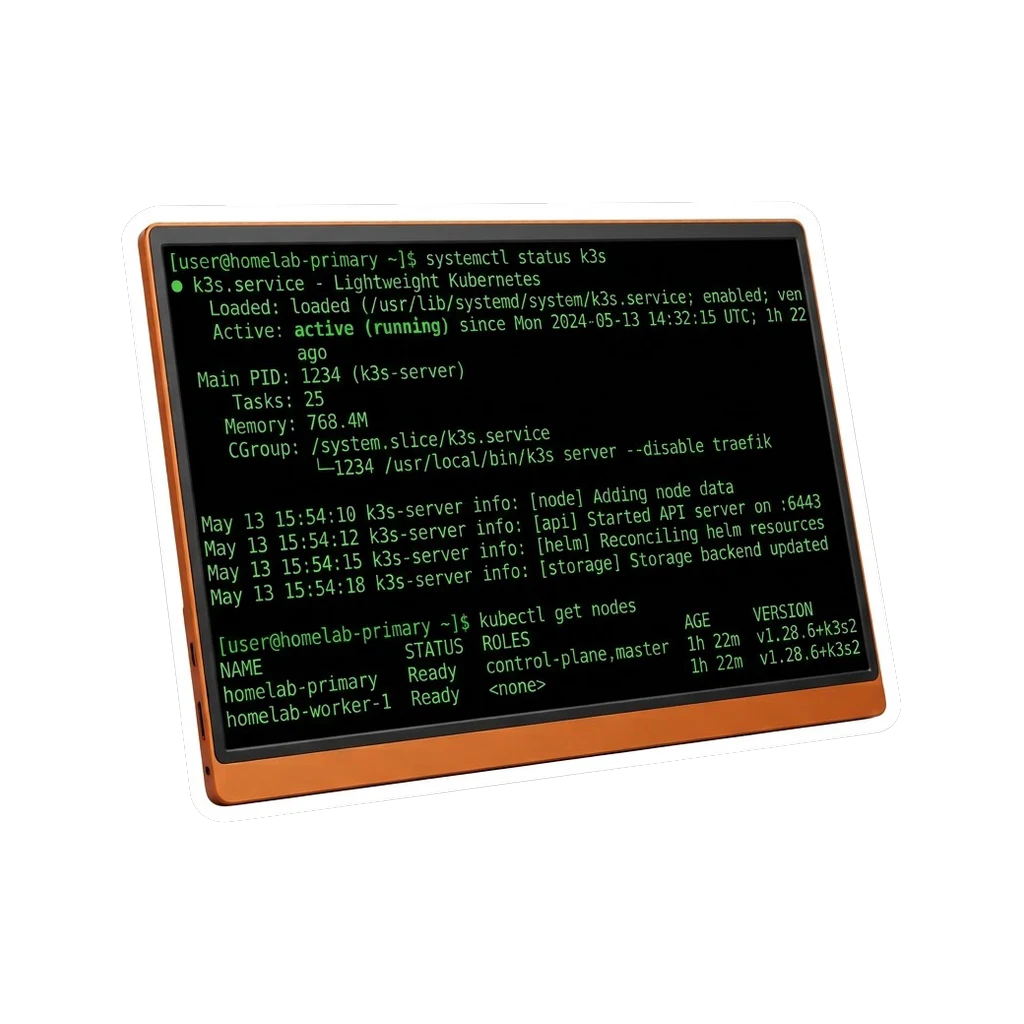
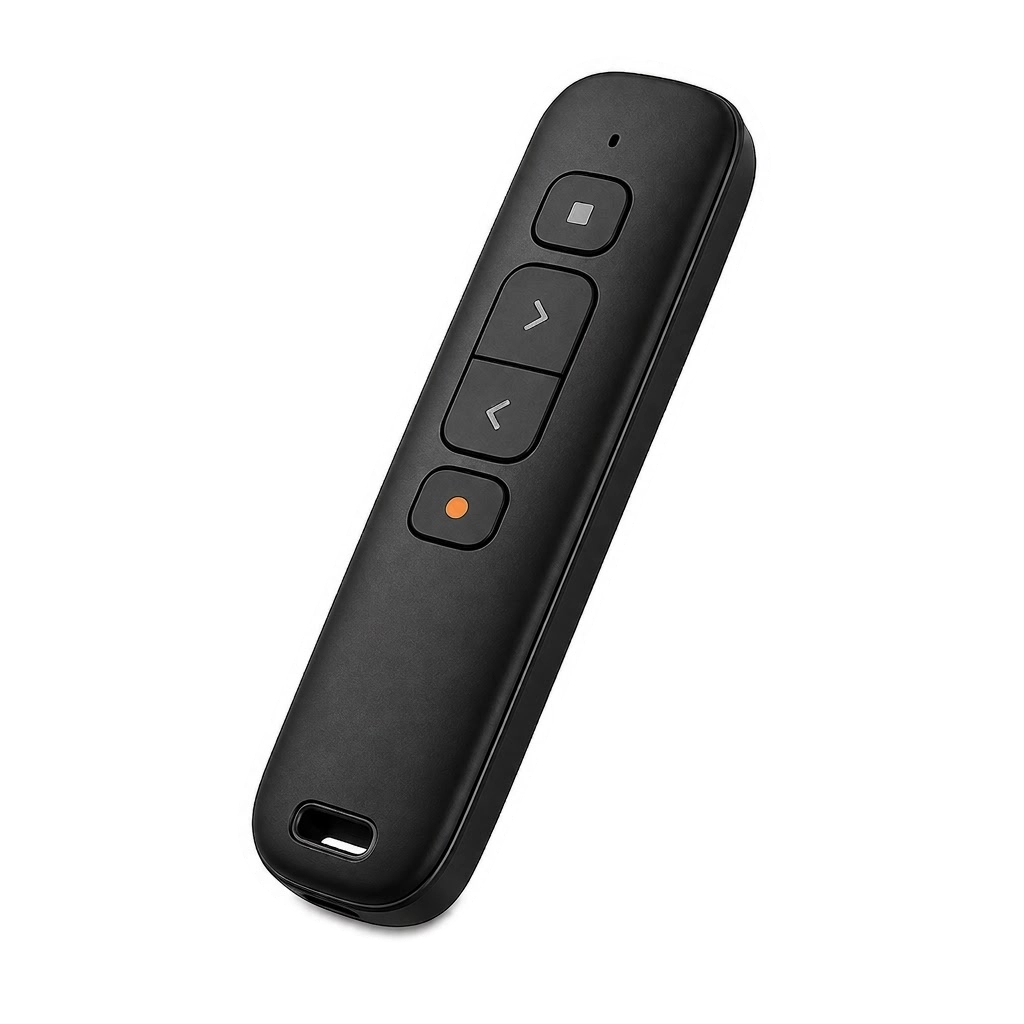
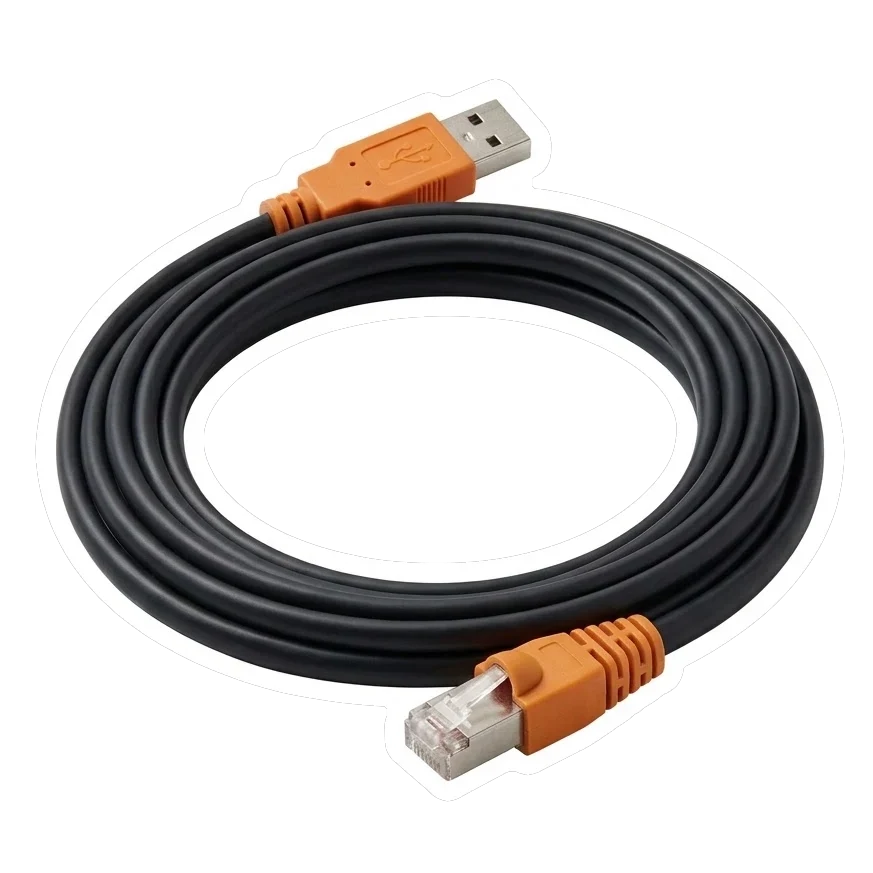

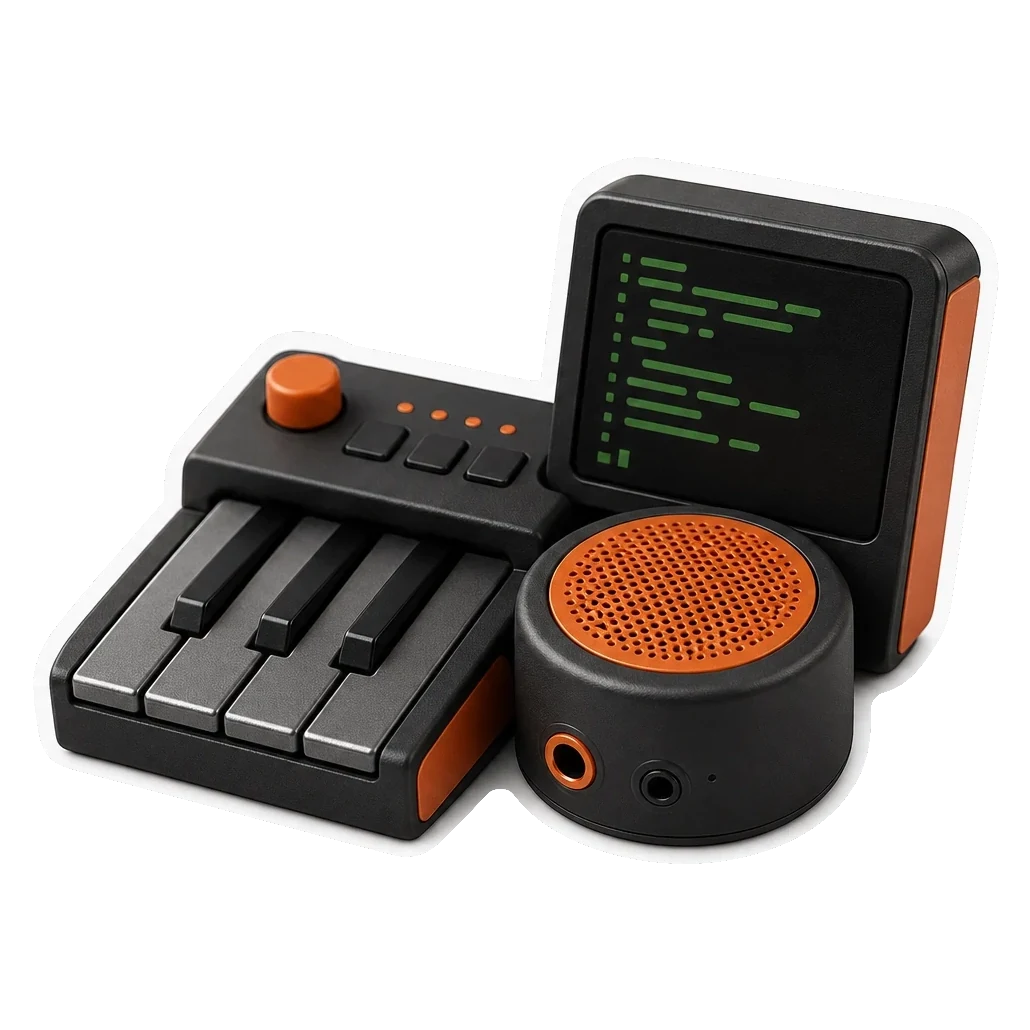
Type on the target. BIOS-ready.
Sluit aan op het doelapparaat. BLE-bediening, geen drivers vereist, BIOS-klaar. Server, pc of console. Elke USB-poort.
Wat het is
Doelapparaat → KeyMod → Telefoon → KeyCmd
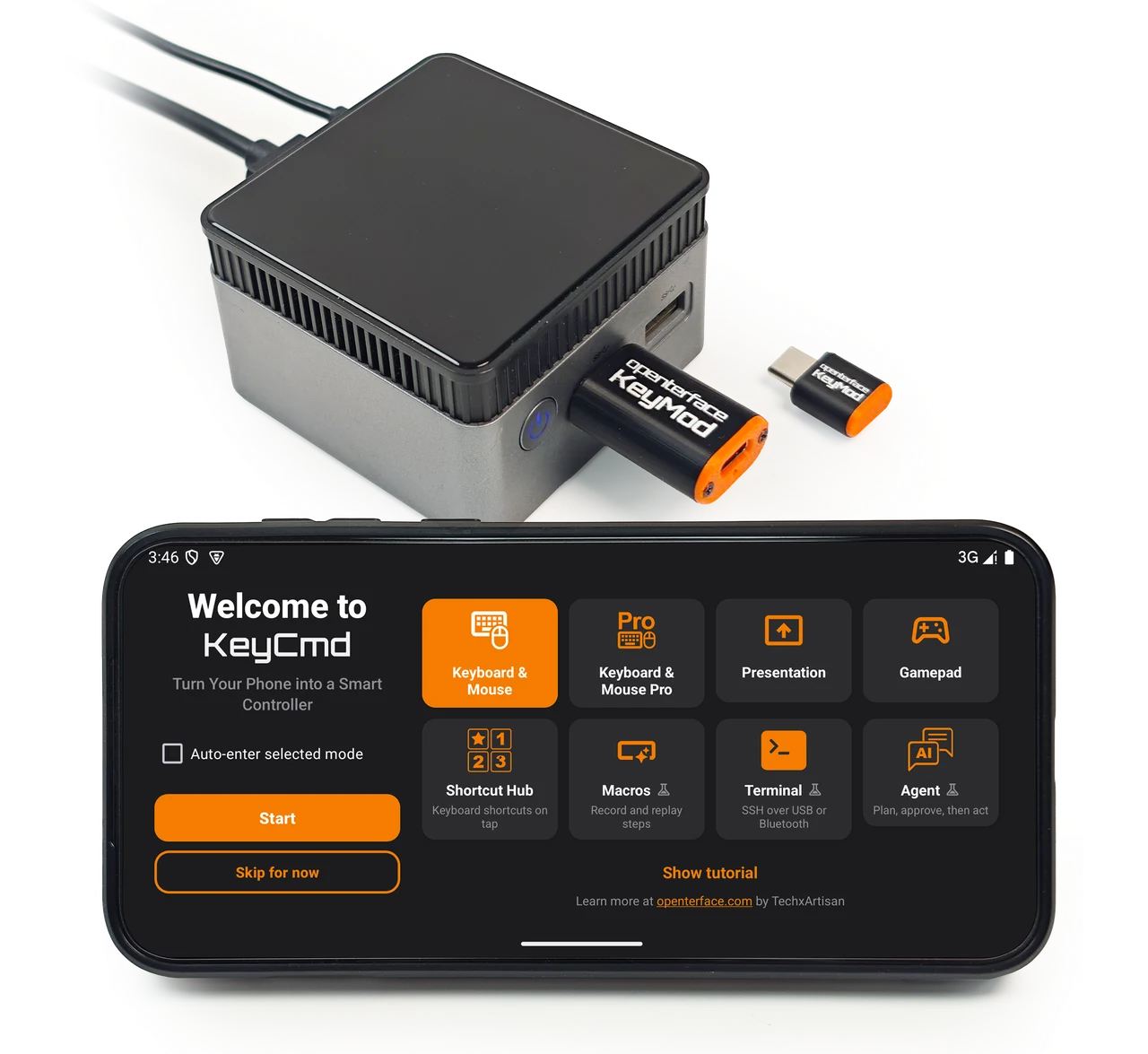
In het doelapparaat. Geen drivers. BIOS-klaar.
Kies een modus: KM Basic, KM Pro, gamepad, macro's en meer.
KeyMod blijft op de USB-poort.
De KeyCmd-modus verandert wat je vanaf je telefoon kunt doen.
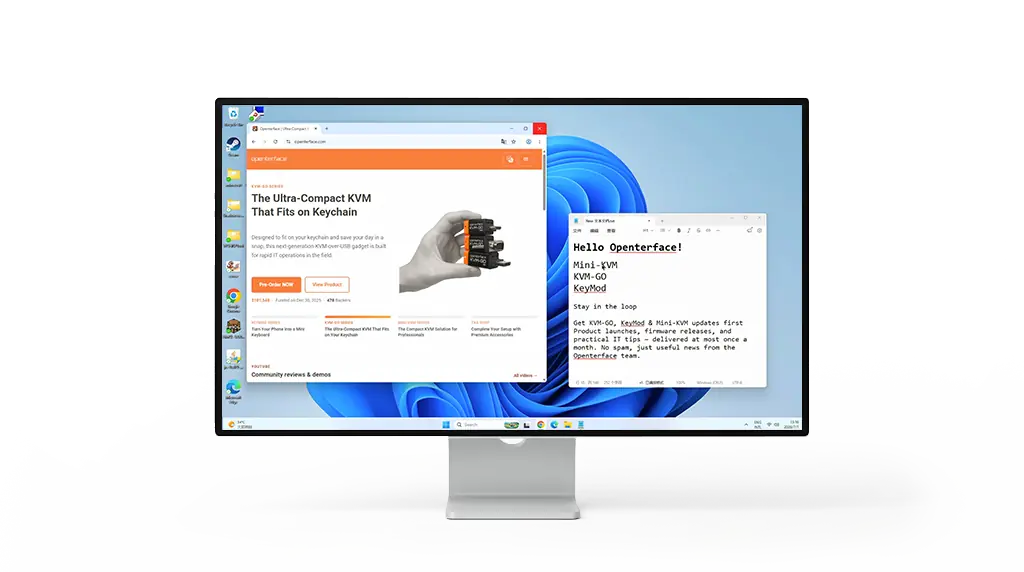
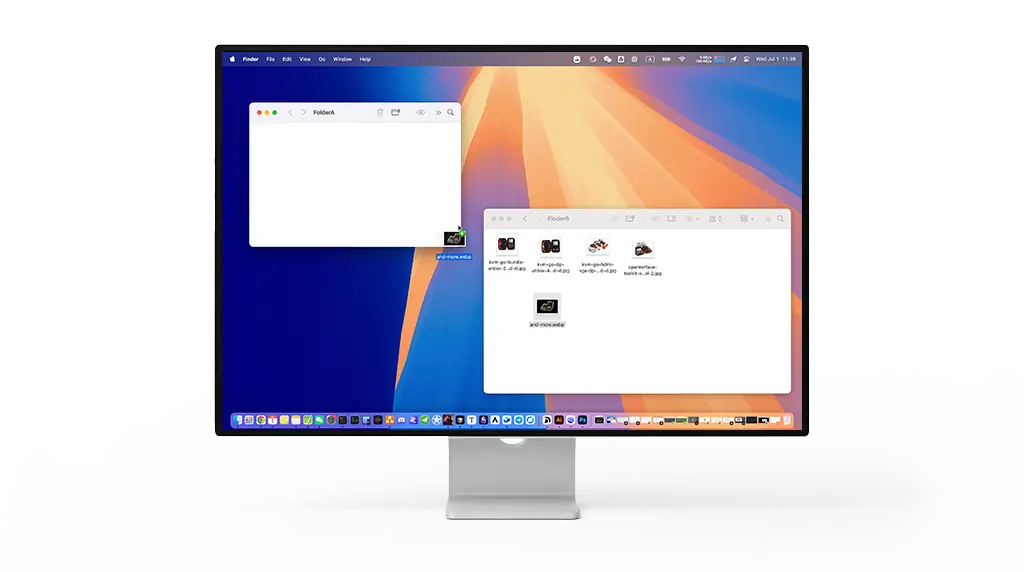
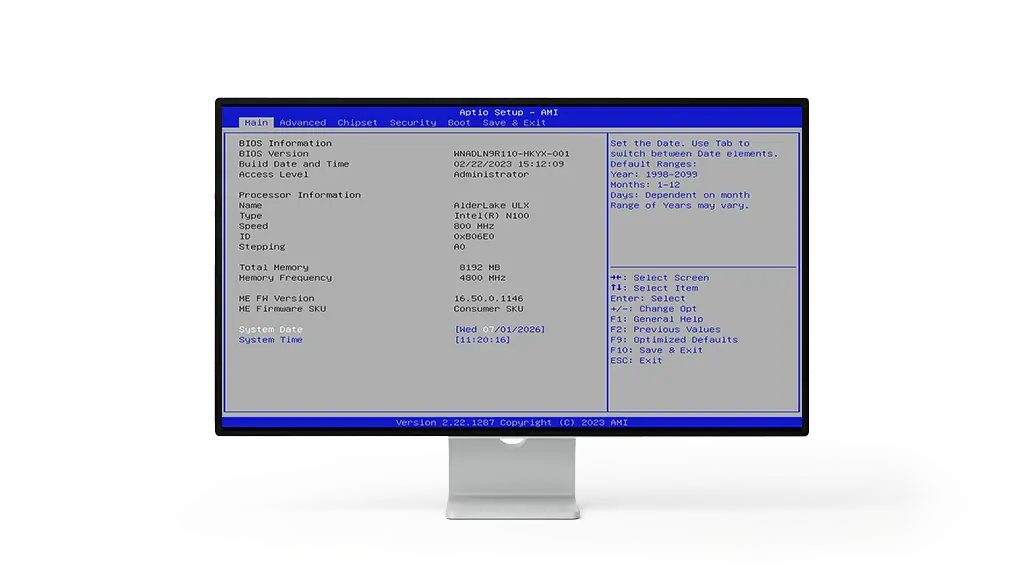
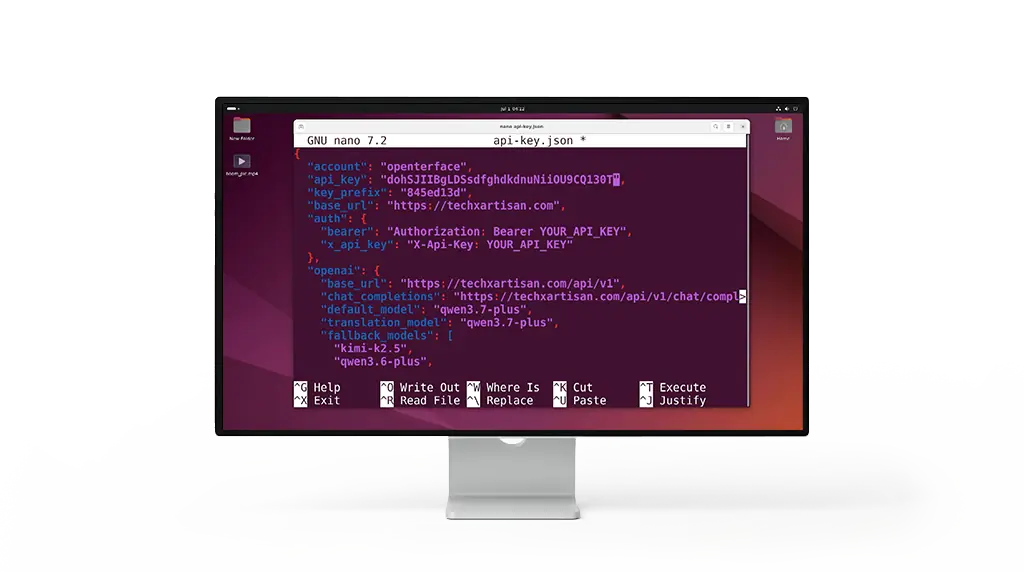
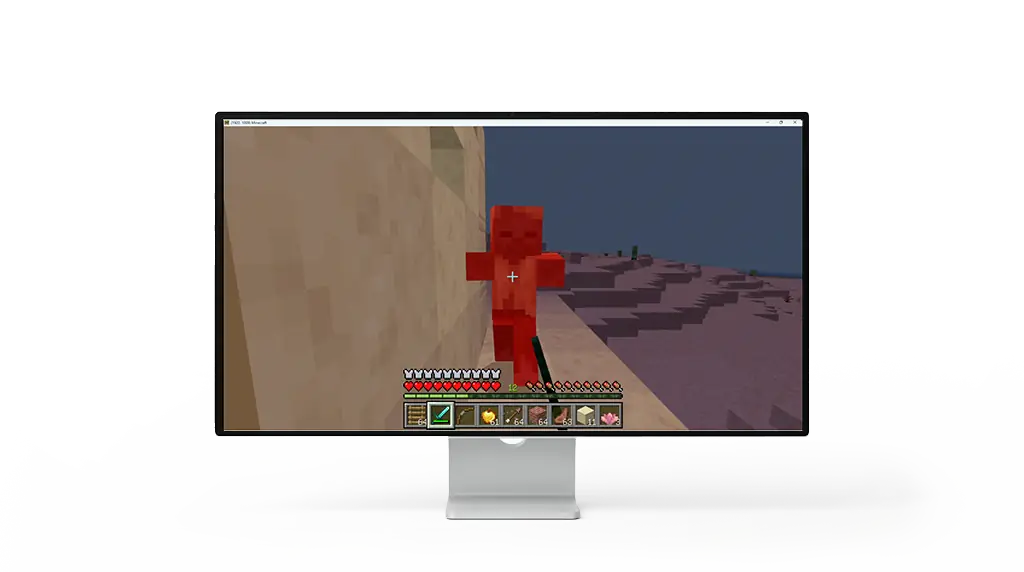
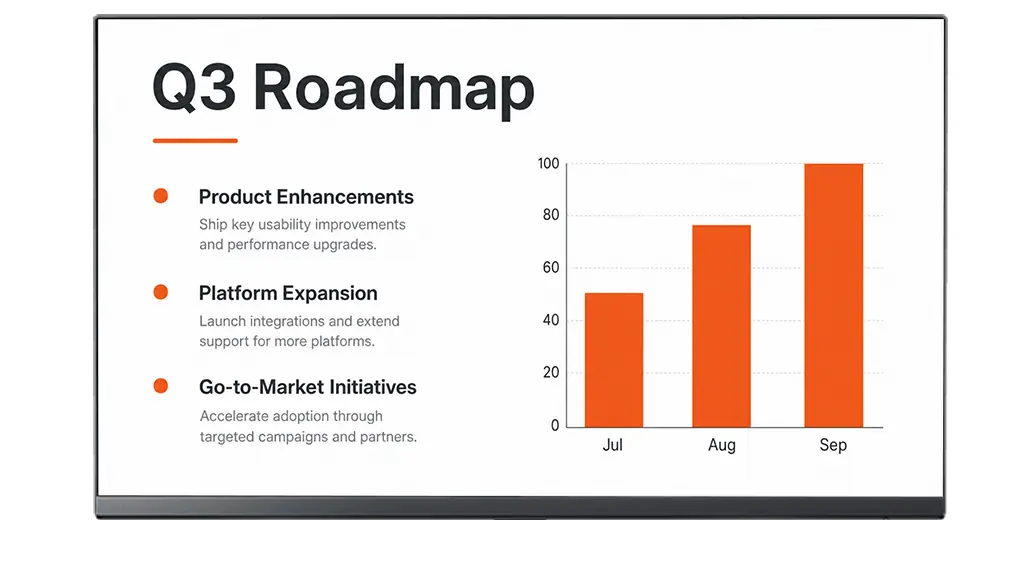
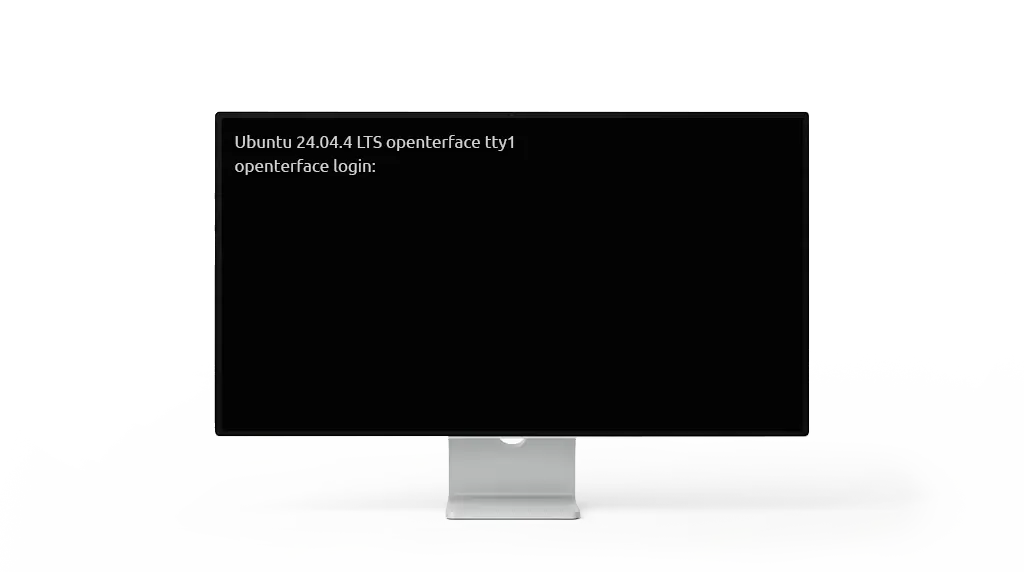
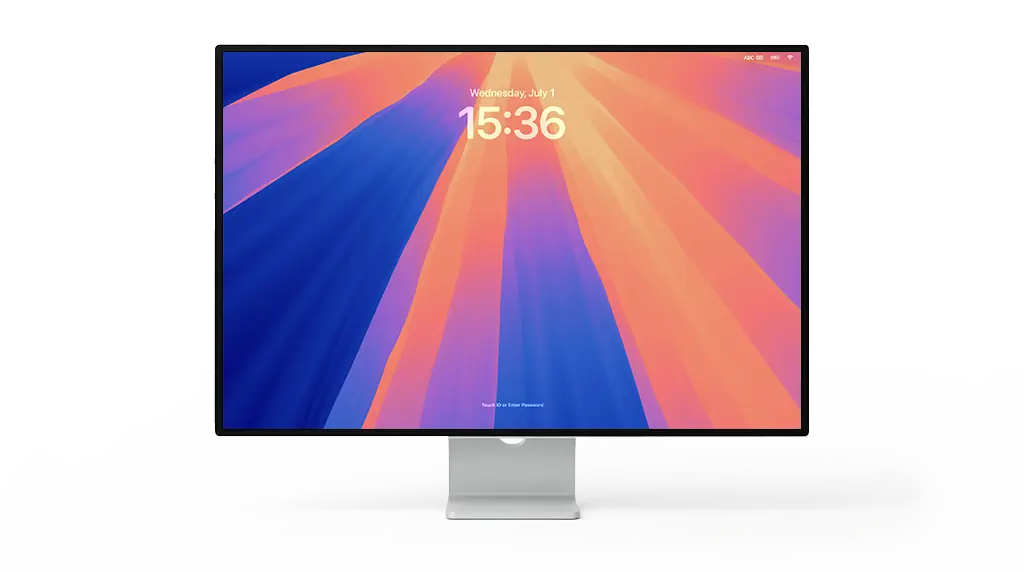
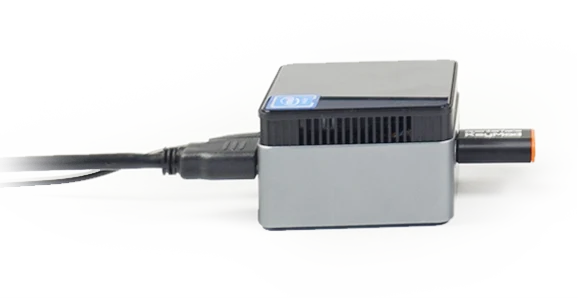
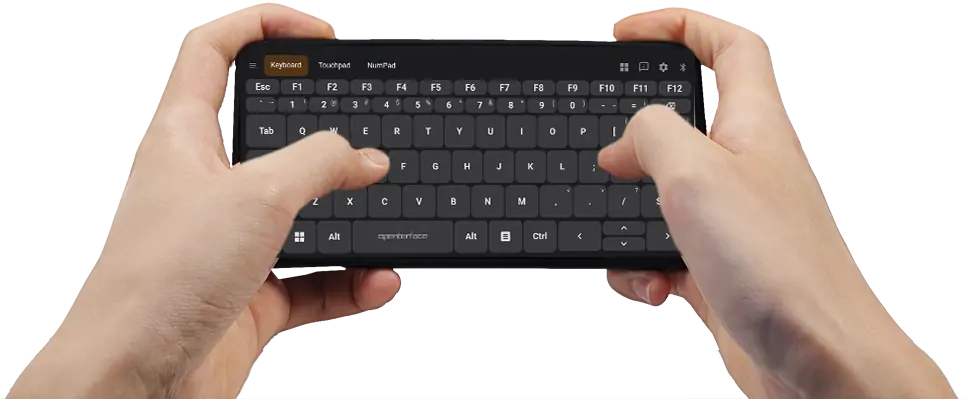
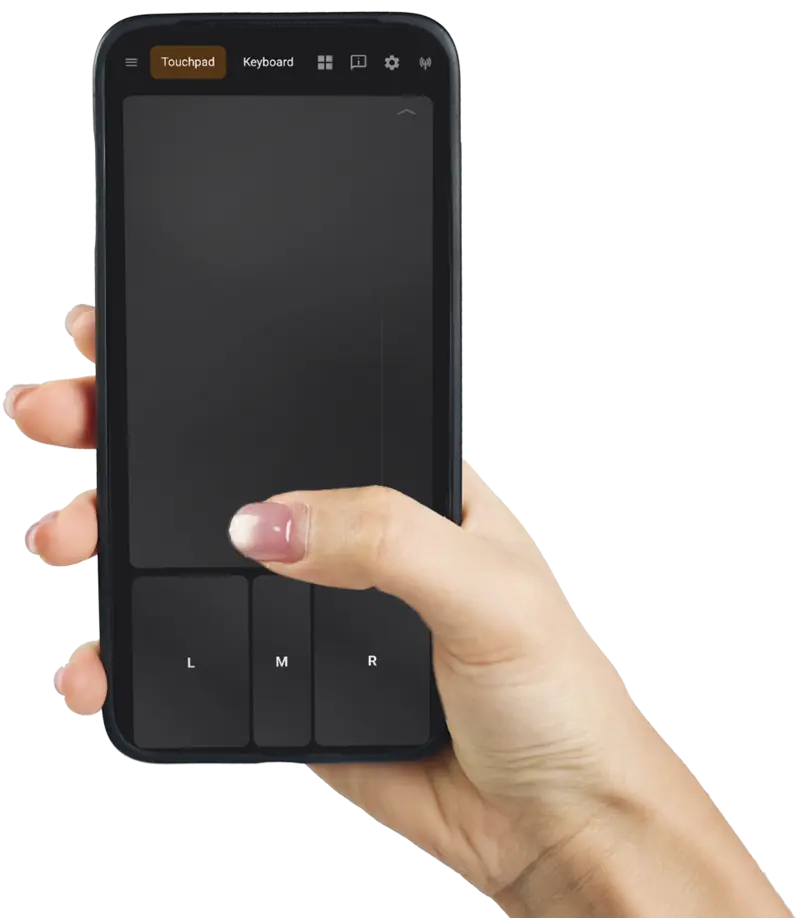
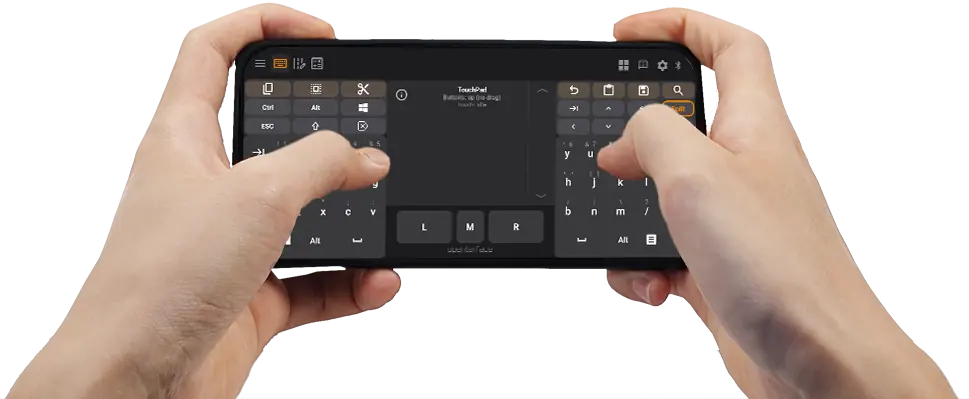
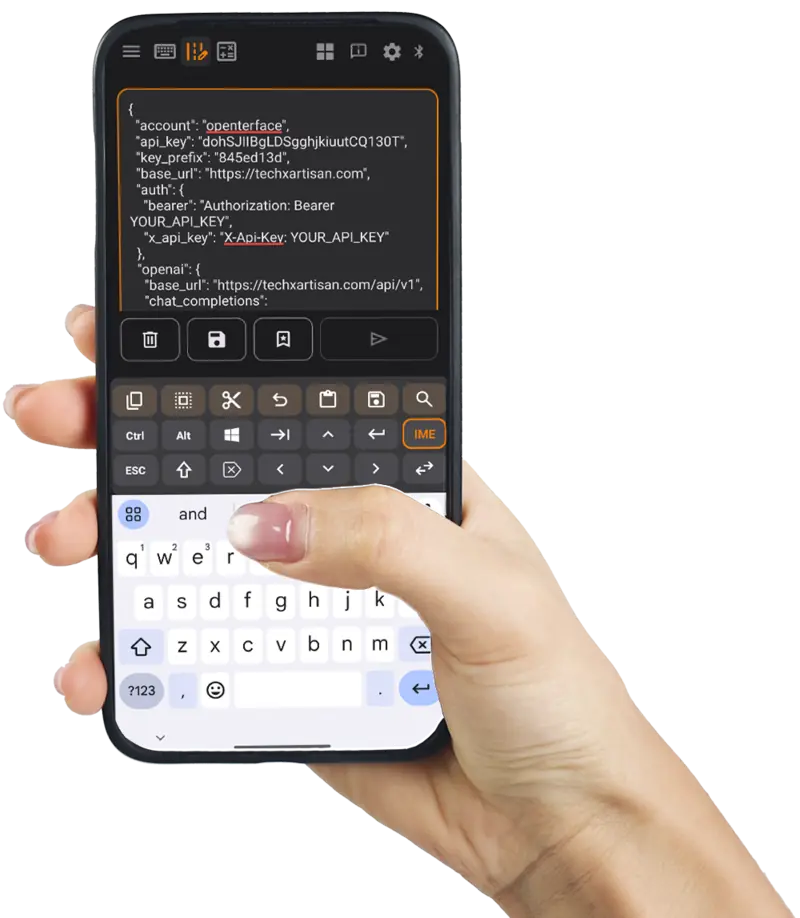
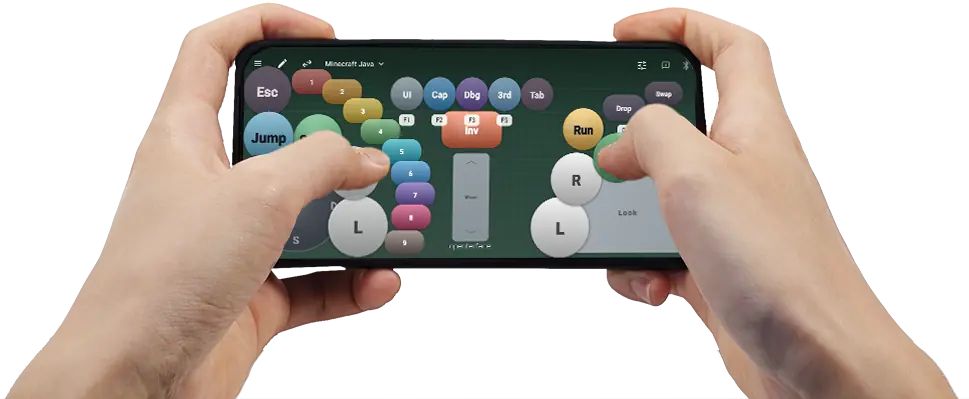
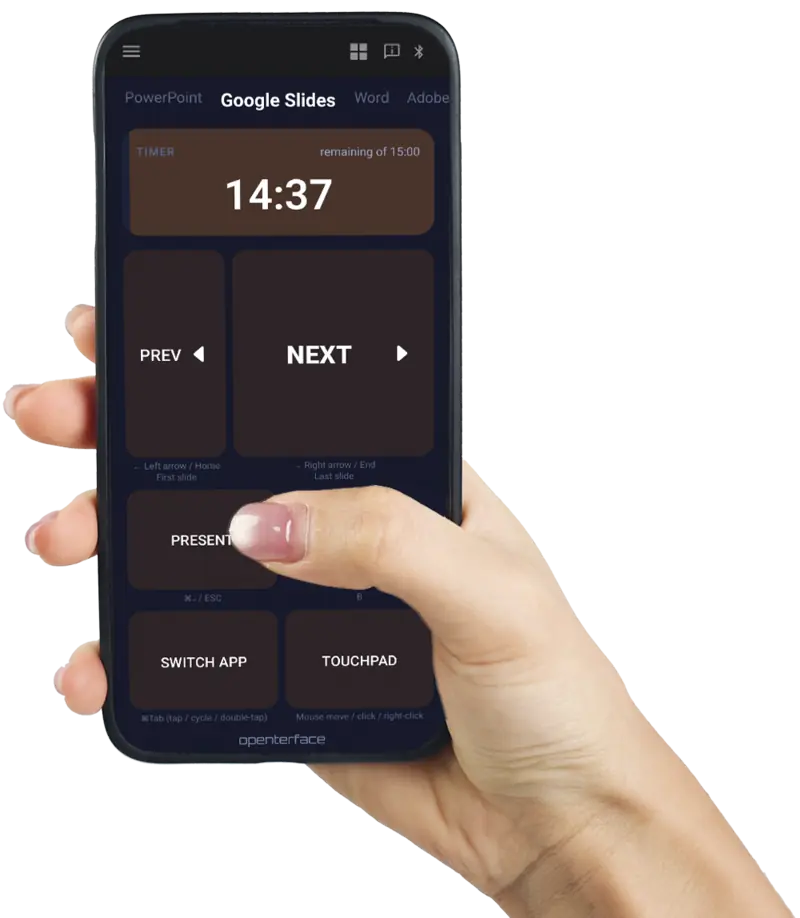
Typ op je telefoon; tekens verschijnen op het doelscherm. BIOS-compatibele HID.
Ops Zone
Plak lange commando's naar het doel, bewaar een persoonlijk runbook, of SSH vanuit je broekzak. Sluit KeyMod aan. Het doel ziet een standaard toetsenbord en muis zonder dat er iets geïnstalleerd of geconfigureerd hoeft te worden. Geen laptop meer bij het rack.
Schrijf multi-line commando's op je telefoon, bekijk een preview en tik vervolgens op Verzenden. KeyCmd typt op het doel via USB of Bluetooth HID. Geen installatie nodig op de host. Annuleer halverwege het verzenden bij lange plakacties. Je persoonlijke runbook: pin, hernoem, laad of verzend fragmenten met één tik (tot 60 items).
Interactieve demo
ssh [email protected] 'cd /opt/stacks/monitoring && \
docker compose pull prometheus grafana node-exporter && \
docker compose up -d && \
docker compose ps && \
curl -sf http://127.0.0.1:9090/-/ready'
Tik op een opgeslagen tekst om te laden en te verzenden
deploy@homelab:~$
Voer API-key in
Lange API-string verzenden (IG) ↗ Echte schermopname: plak een multi-line API-call op je telefoon, tik op Verzenden en kijk hoe KeyCmd het op het doel typt. Lang codeblok verzenden (IG Reel) ↗ Echte demo: stel een lang script samen op de telefoon en verzend het karakter voor karakter naar een vergrendelde host. Windows CMD: afbeeldingen in bulk hernoemen (X) ↗ Echte schermopname: plak een bulk-hernoemscript op je telefoon, stuur het naar Windows CMD en laat KeyMod tientallen bestandsnamen voor je intypen.
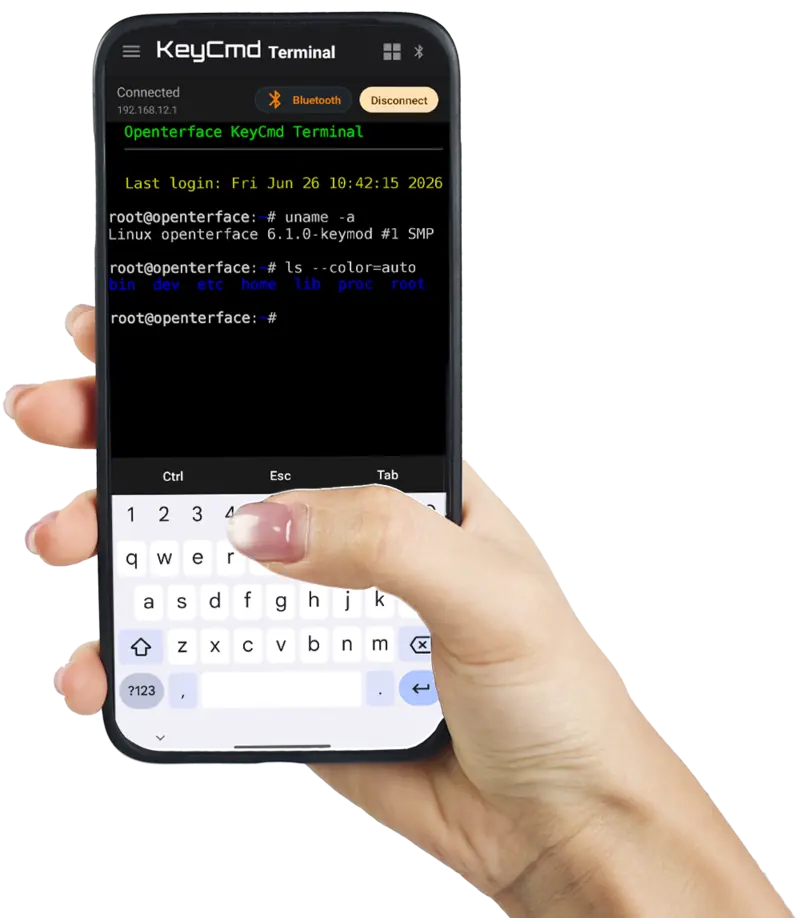
De speciale Terminal-modus voert SSH uit via de KeyMod-bridge. Kies USB voor snelheid bij de machine of Bluetooth wanneer je aan de andere kant van de ruimte bent.
Interactieve demo
KeyCmd Terminal ─────────────────────

Benaderende UI. Controleer KeyCmd op je telefoon voor de live app.
KeyCmd wordt vandaag geleverd met Terminal UI en transport stack, inclusief Preview demo's (USB en Bluetooth). Live SSH via KeyMod-hardware volgt na de goedkeuring van firmware Fase 2.
Agent Zone
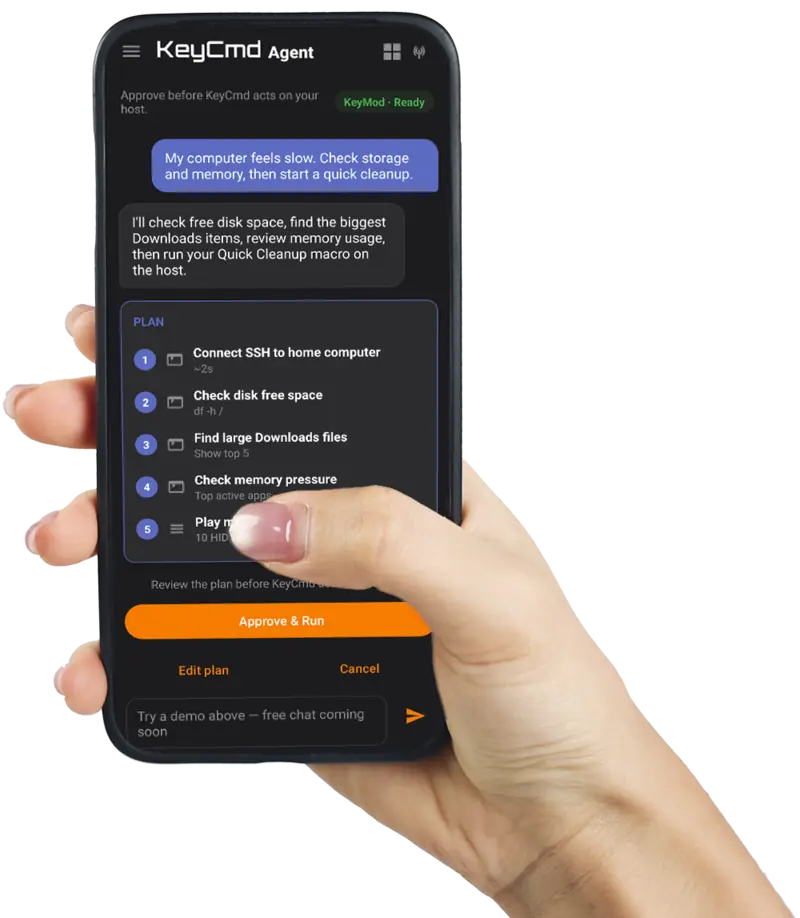
Koppel je LLM API-sleutel in KeyCmd. Agent Mode leest je intentie, bouwt een stapsgewijs plan via Terminal, macro's, HID en sneltoetsen, en wacht vervolgens op je goedkeuring voordat er iets op de host wordt uitgevoerd.
Gebruik je eigen API-sleutel (of log in voor de beperkte gratis versie in KeyCmd). Eén zin kan SSH-checks, macro-afspelen en sneltoetsen aan elkaar koppelen via de KeyMod bridge: dezelfde firmware-stack die je handmatig gebruikt, georkestreerd door een LLM.
Interactieve demo
Keur goed voordat KeyCmd actie onderneemt op je host.
KeyMod · Gereed
Kies een demo om een voorbeeld te zien van hoe Agent plannen maakt en handelt op je doelapparaat.
Benaderende UI. Bekijk KeyCmd op je telefoon voor de live app.
Preview-demo op deze pagina. Geen API-sleutel vereist. Live Agent-chat met host-uitvoering wordt uitgebracht in KeyCmd preview-builds; volledige automatisering aan de firmwarezijde volgt onze standaard KeyCmd-first uitrol.
Gamezone
Bewegingsgevoelige gamepad-demo's van KeyCmd. Dezelfde opstelling werkt met KeyMod-hardware.
Gamepad-tutorial ↗ Minecraft-demo (IG) ↗ KVM-GO gamepad-demo's ↗
Tik op de Preset-chip om te wisselen tussen opgeslagen controllerlay-outs: meegeleverde emu-6 starter, import/export JSON-presets (schema v7).
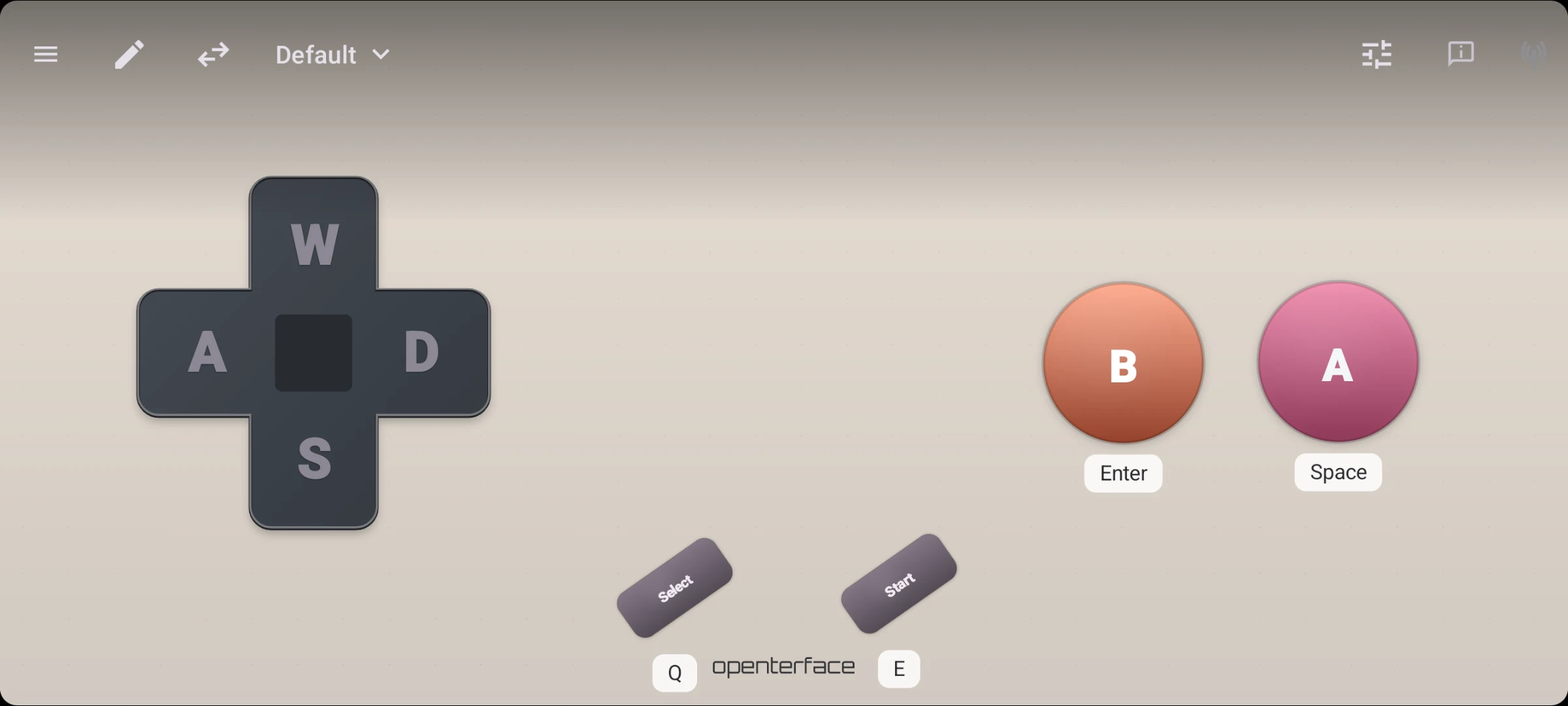
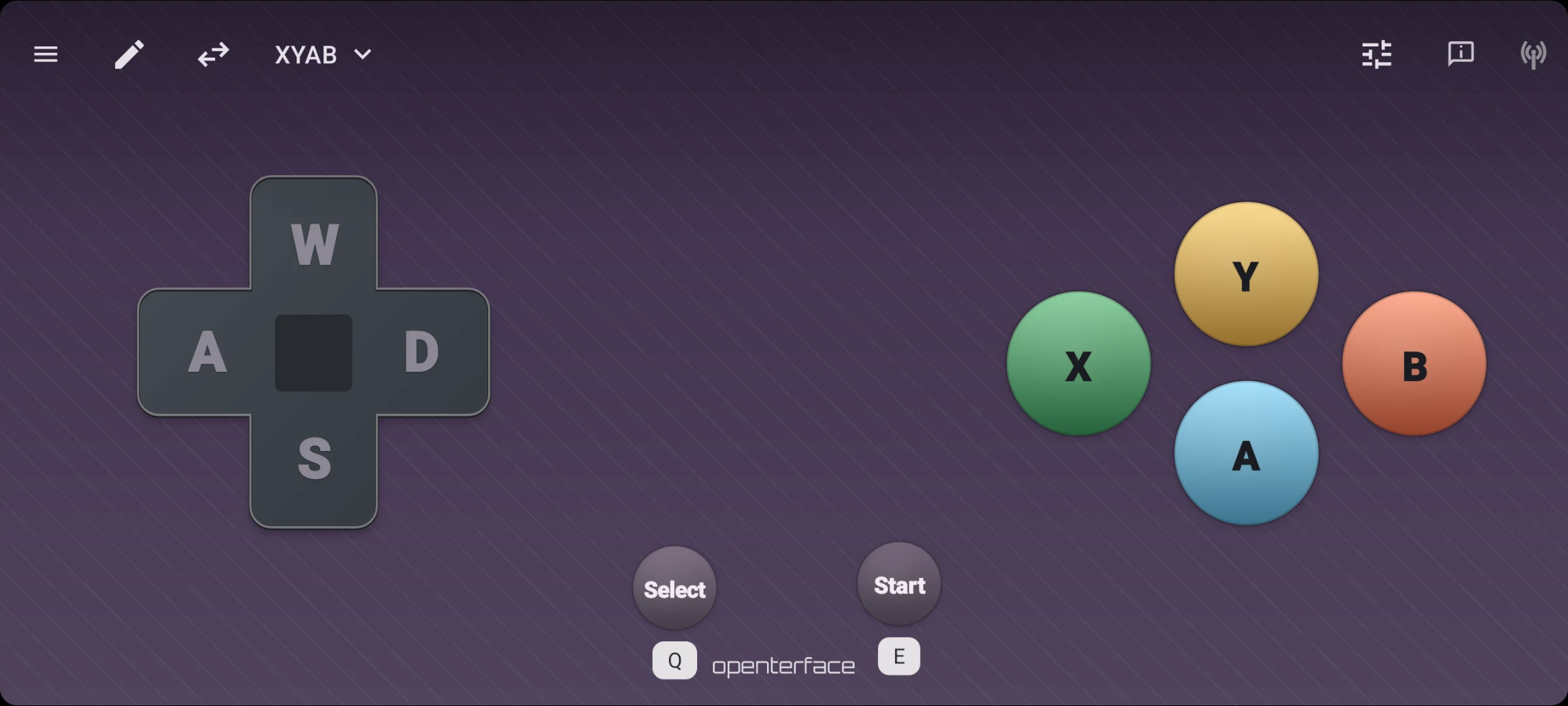
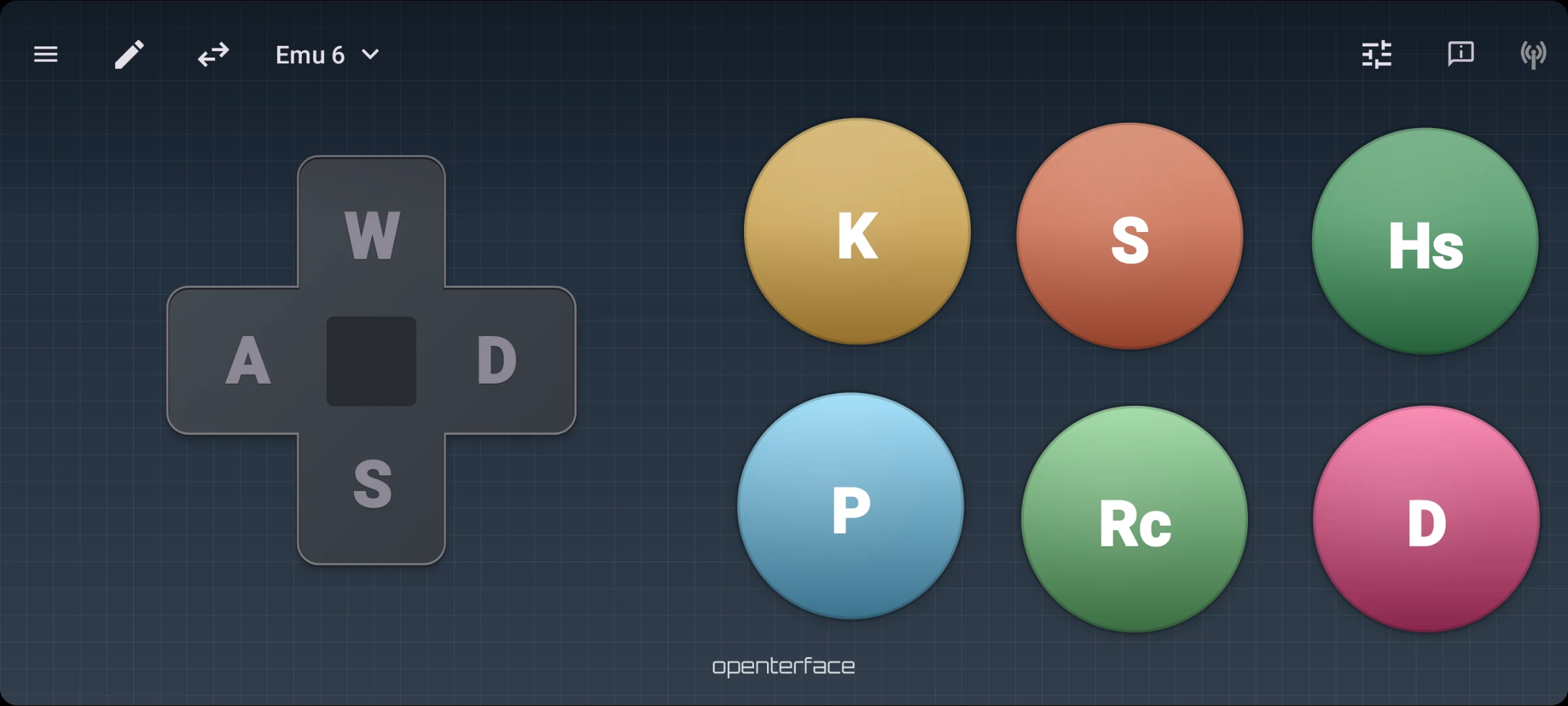
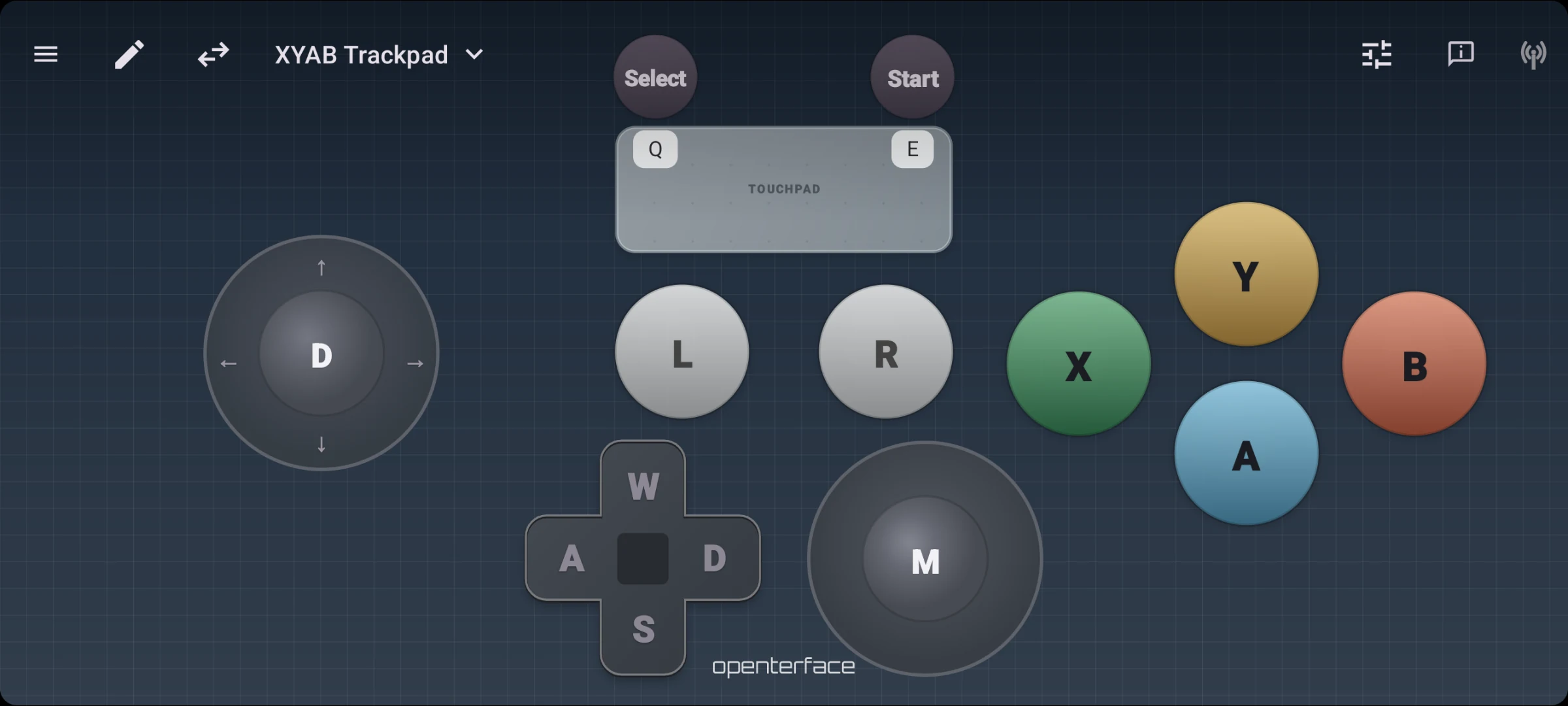
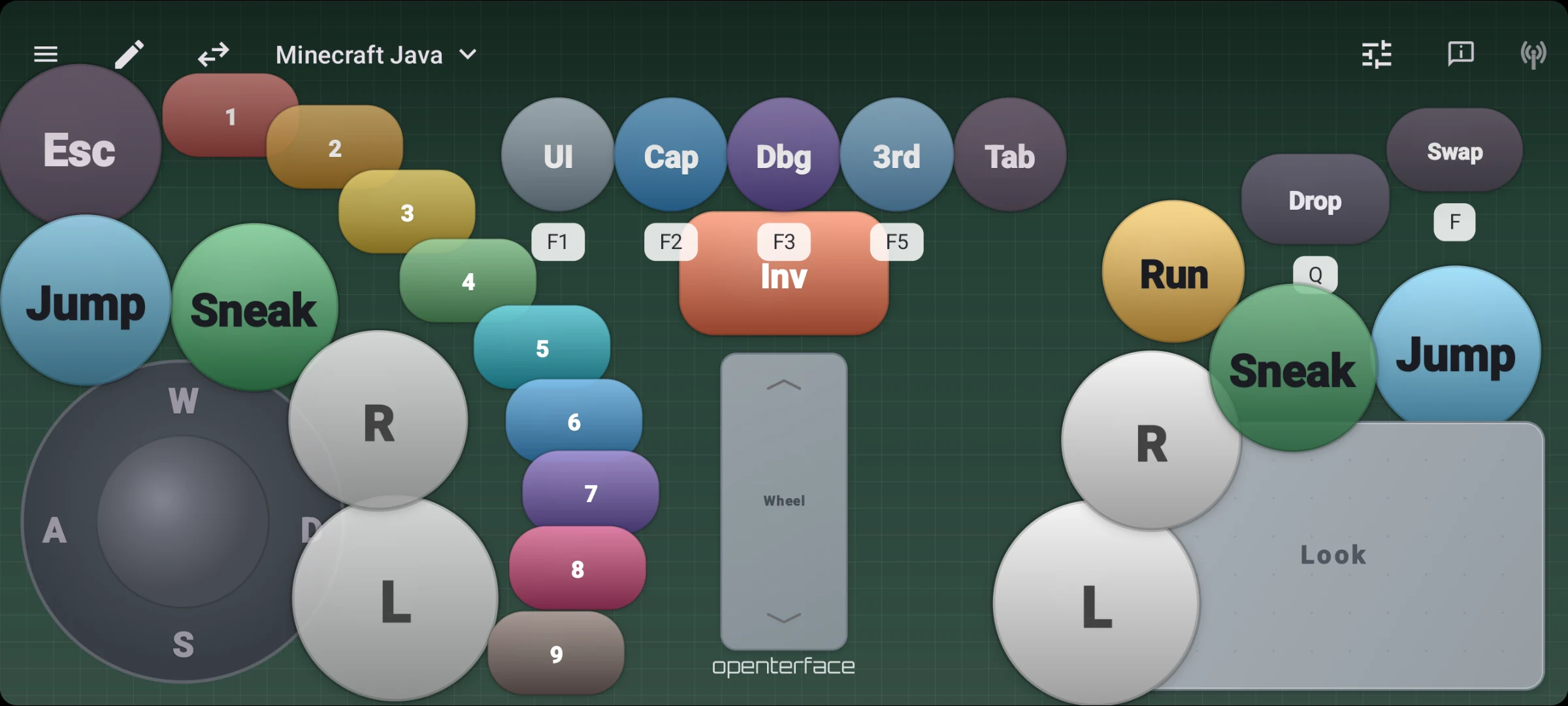
Voeg D-pad, sticks, touchpads en face buttons toe. Tik op een module om het gedrag, de grootte en de WASD-toewijzing aan te passen.
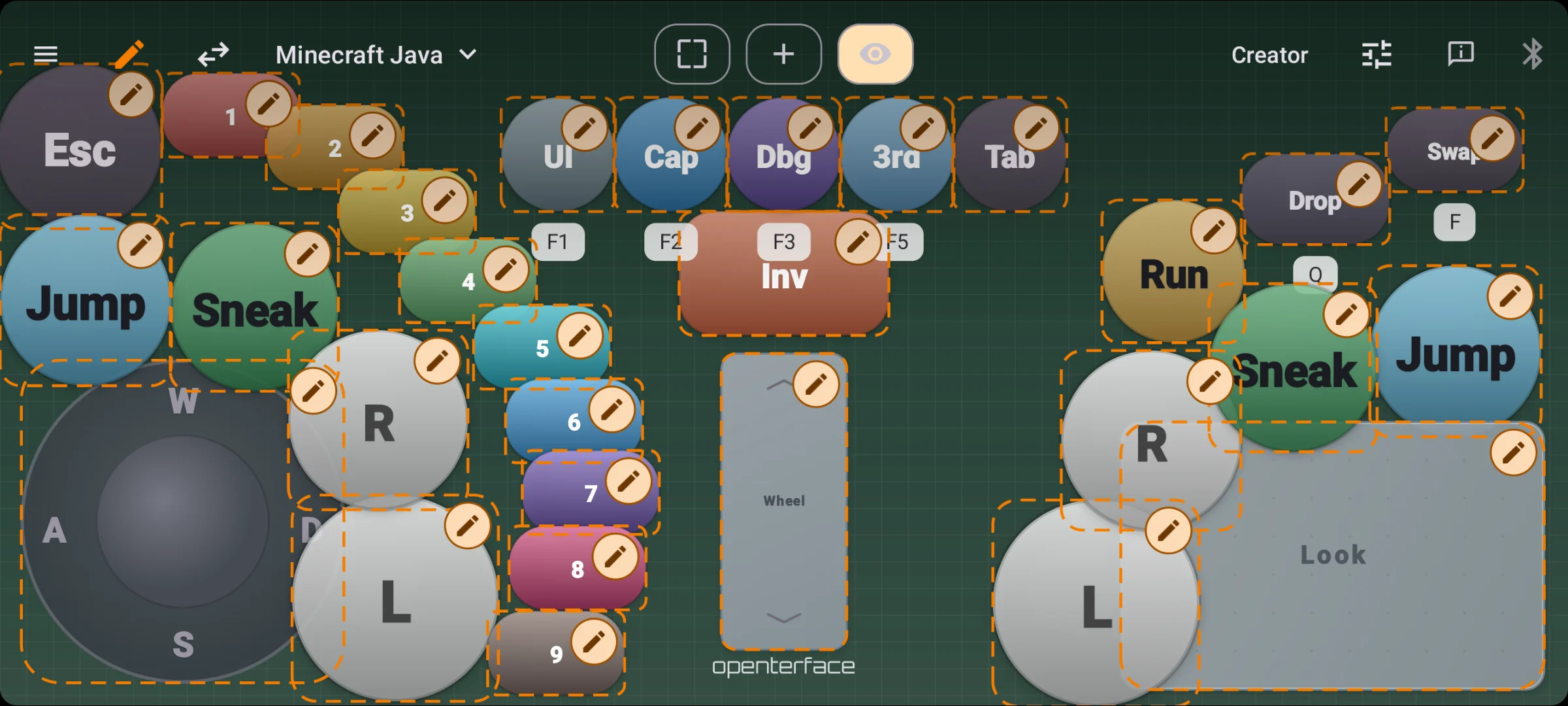
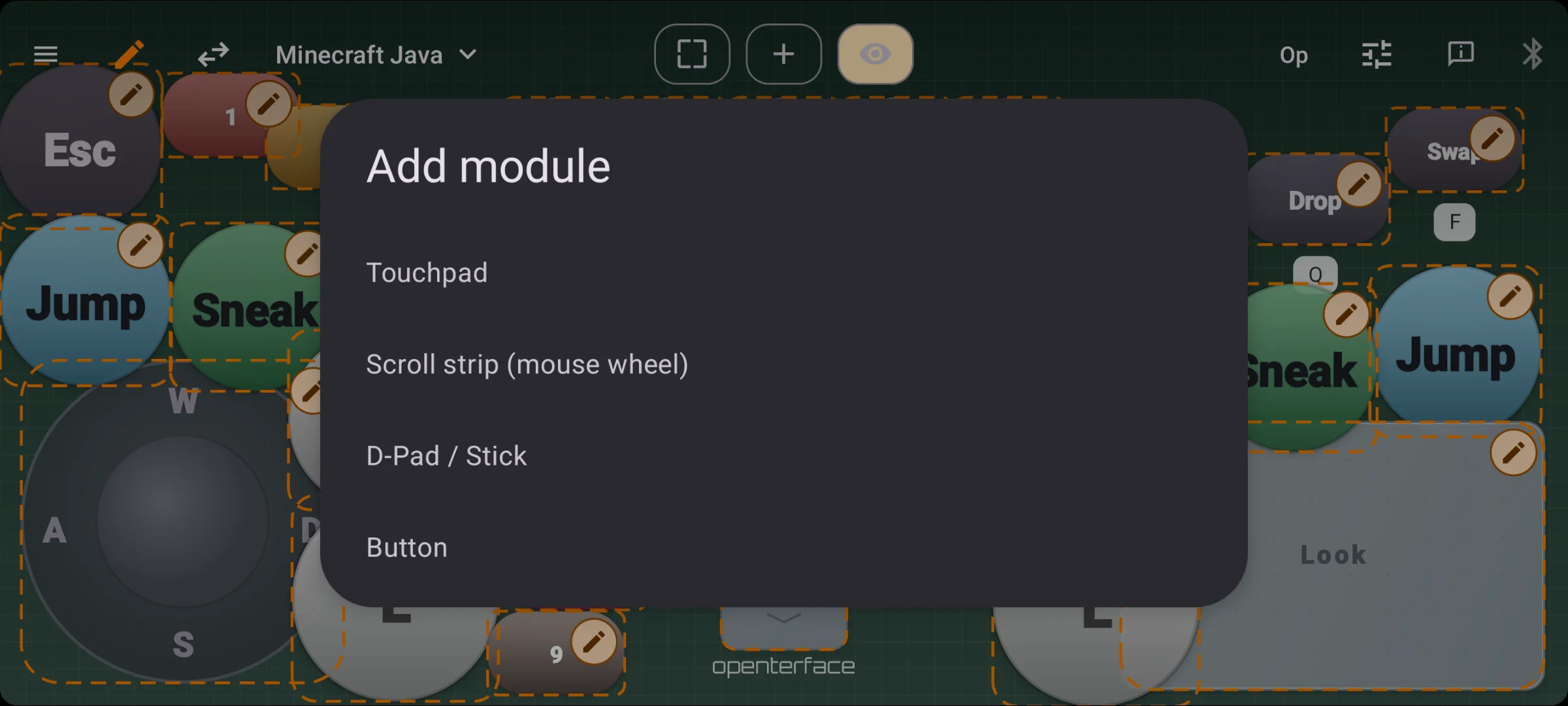
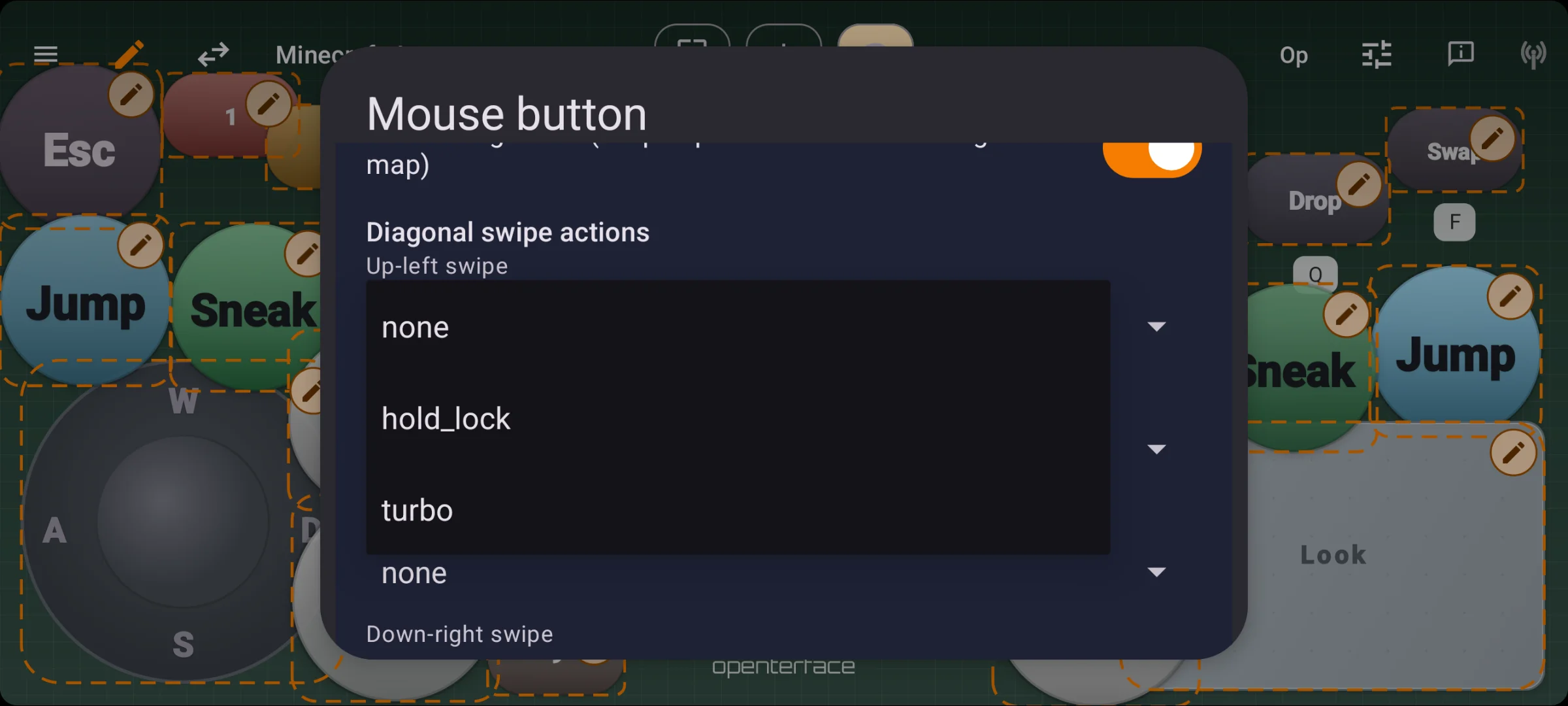
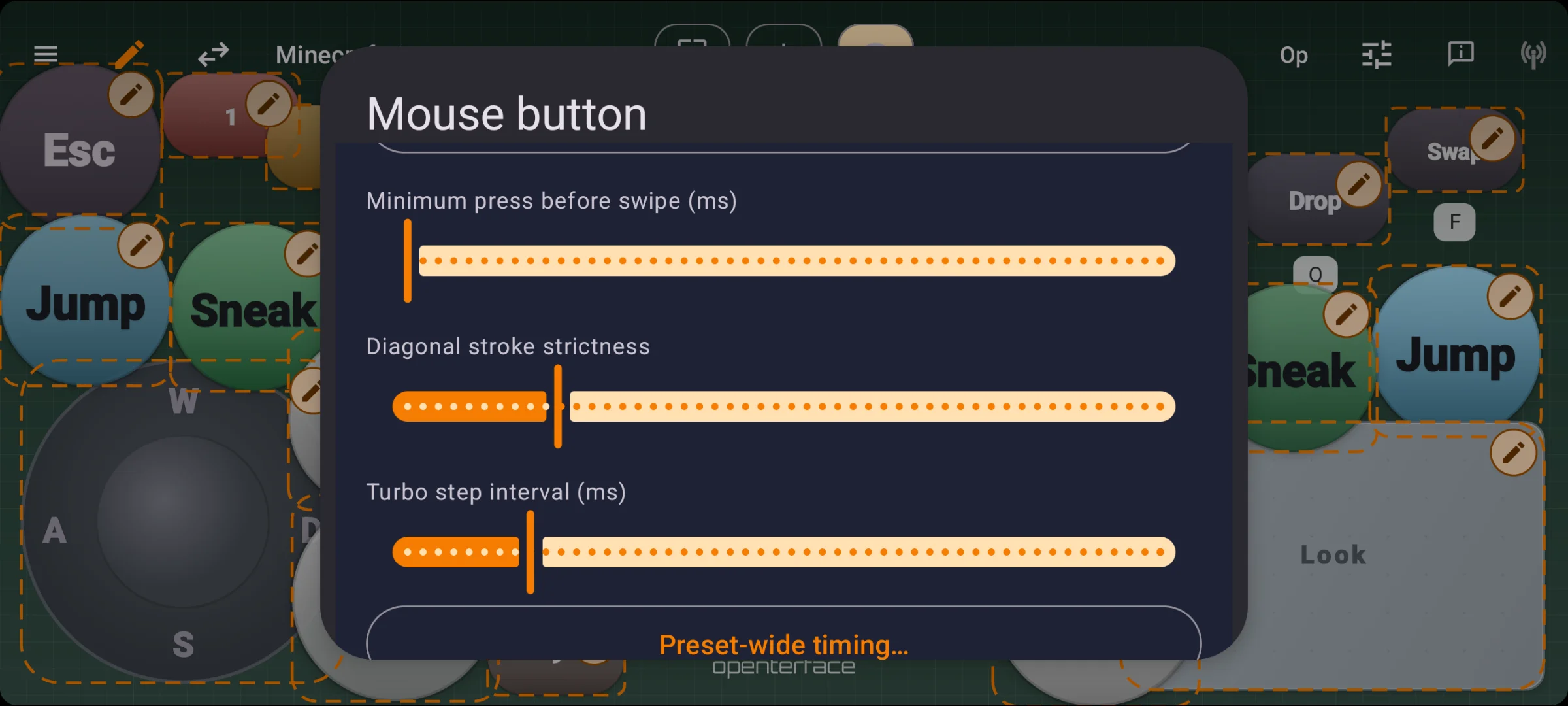
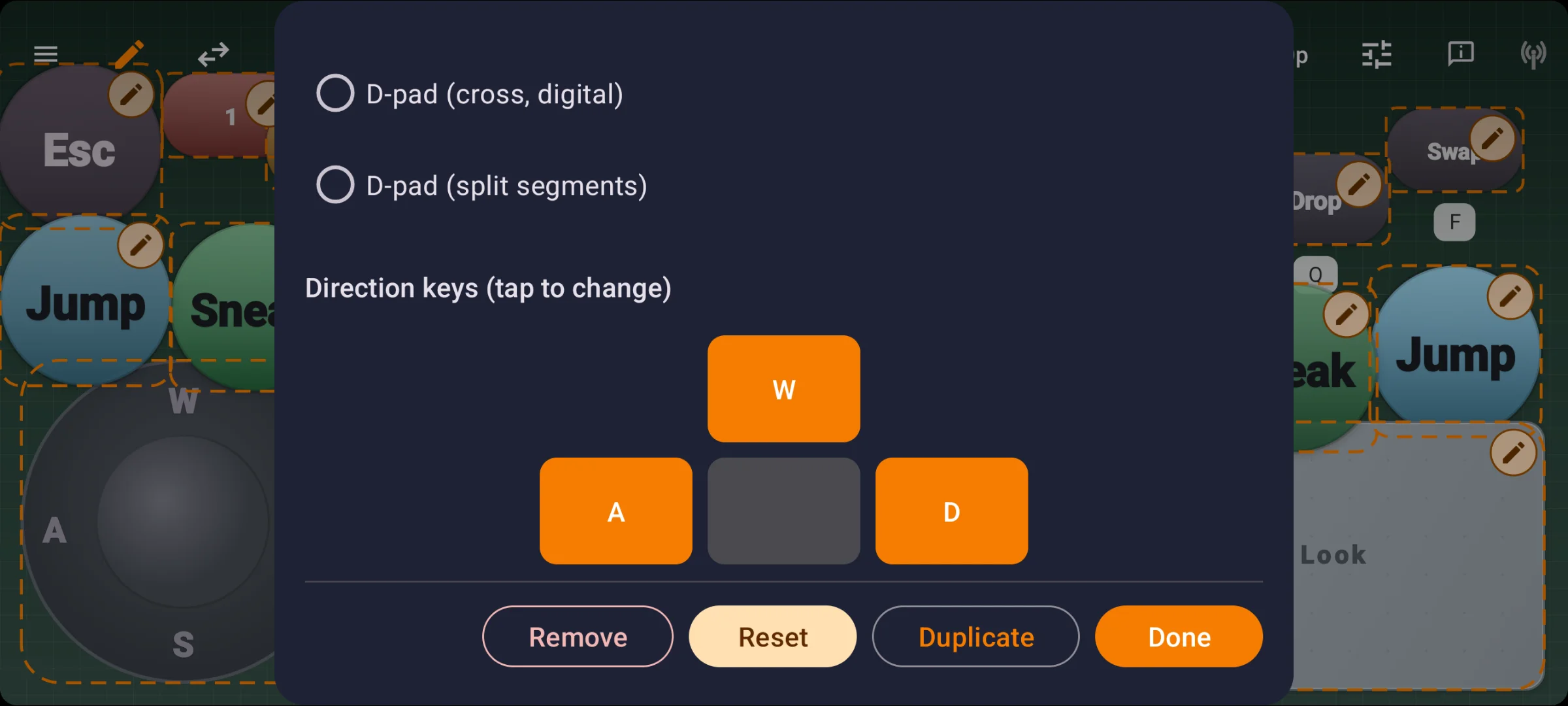
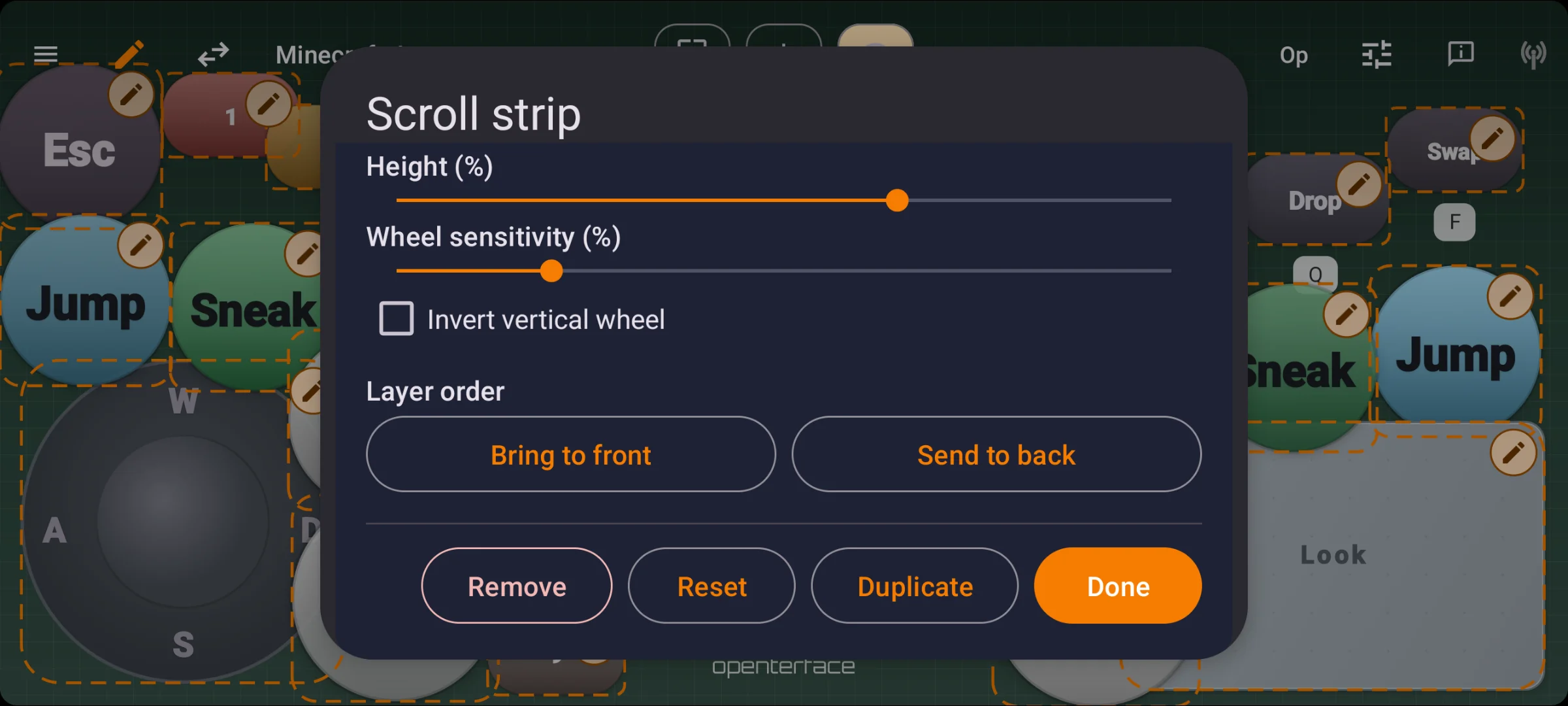
Exporteer lay-outs als JSON en deel ze met je team. Achtergrondafbeeldingen worden in het bestand ingesloten. Dezelfde gamepad-modus op KeyMod en KVM-GO.
Kies je poort
Dezelfde KeyCmd-app. Een andere dongle voor de poort van je machine.
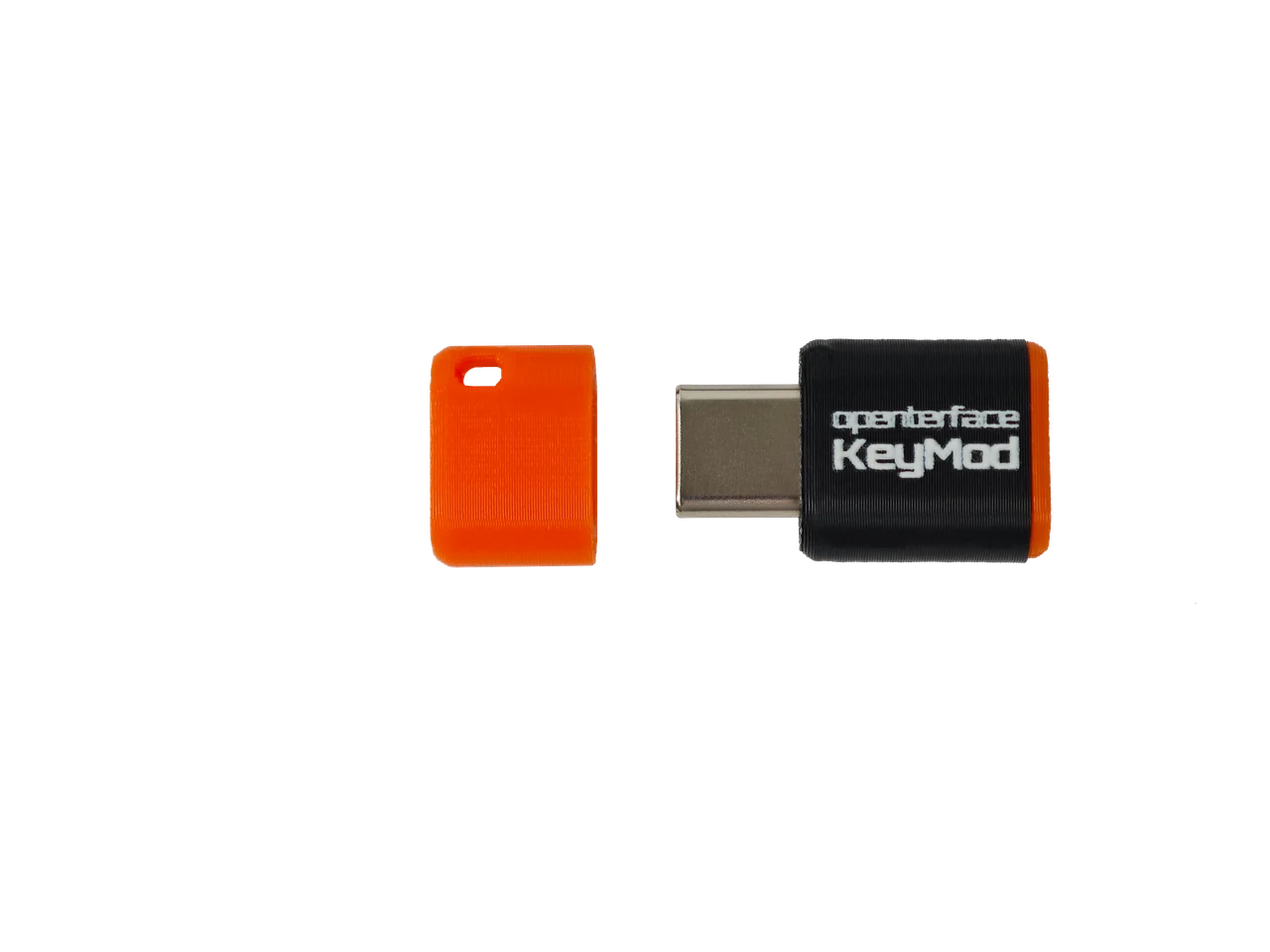
USB-C male → doelapparaat
Type-C-first · ultra-compacte EDC
Telefoonkoppeling: BLE draadloos · ~5–10 m in open ruimte.
De C-poort dongle voor in je zak.
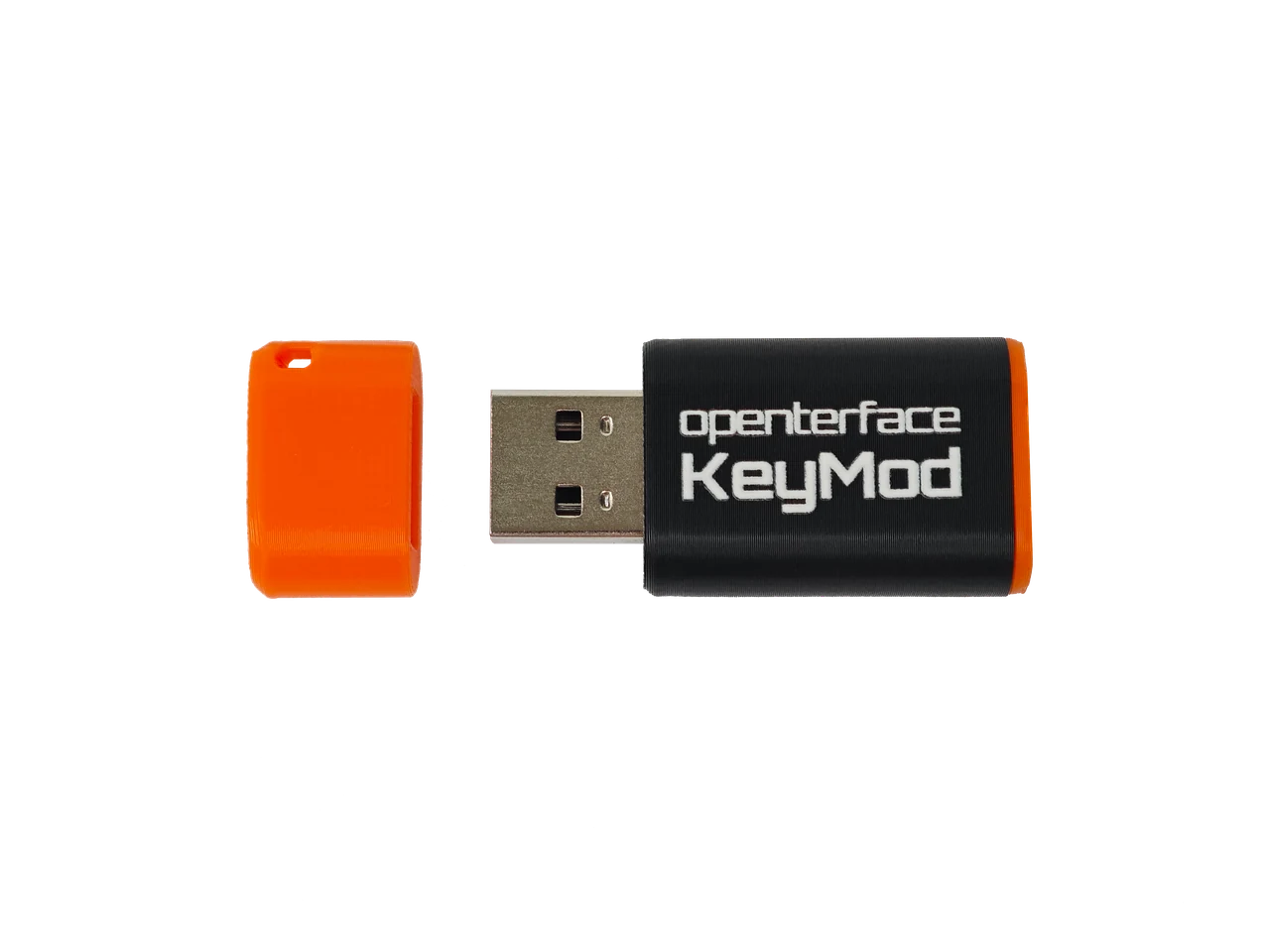
USB-A male → doelapparaat
Servers · legacy · rack-ops
Telefoonkoppeling: BLE of USB bedraad naar de dongle. Bedraad is stabieler en heeft meer bandbreedte (ideaal voor SSH via USB, enz.).
De A-poort dongle op je machine.
Roadmap
Here is what is queued up today.
Queued for firmware / features
Open by design
KeyMod follows the same open-hardware spirit as Openterface Mini-KVM and KVM-GO: transparent design, community feedback, and docs that grow with the product. Open hardware is rare and costly to get right — your support helps us keep building that way.


FAQ
No. KeyMod is USB HID on the target. BLE (or Plus USB) is phone ↔ KeyMod only, not a Bluetooth keyboard emulating into the host OS. Your PC never pairs with your phone over Bluetooth.
Mini plugs into USB-C on the target and links to your phone over BLE. Plus plugs into USB-A and adds a USB wired path to your phone, which is steadier and has more bandwidth than BLE alone.
Both are Keyboard & Mouse modes inside KeyCmd, not separate products. KM Basic is keyboard, numpad, and touchpad only: simple, physical-style controls with nothing to learn. KM Pro adds strip shortcuts, Compose & Send, Saved texts, and Shortcut Hub for power-user workflows. Terminal is a separate KeyCmd mode (Preview today).
No. KeyMod emulates a standard USB keyboard and mouse. The target sees plug-and-play HID hardware. BIOS-capable, zero install on the host.
No. Use Mini-KVM or KVM-GO when you need the screen on your laptop.
No. KeyCmd maps sticks and buttons to keyboard and mouse actions. The target sees standard keyboard + mouse HID, not native gamepad HID.
CH32 platform work pushed KeyMod toward a Wireless USB Multi-tool with a scenario-first launch story.
Agent Mode connects an LLM to KeyMod firmware capabilities (Terminal, macros, HID, and shortcuts) with a plan-and-approve safety model. It ships in KeyCmd preview builds first; full host execution and firmware-side automation follow our standard KeyCmd-first rollout. Backing the Crowd Supply campaign helps us dedicate more engineering time to experimental modes.
Product journey
Seven milestones shipped. Pre-launch validation is underway. Crowdfunding and fulfillment are next.
← Swipe for earlier milestones
Stay in the loop
Product launches, firmware releases, and setup guides. At most one email per month. No spam.
Already on Crowd Supply? View the campaign ↗
Openterface family
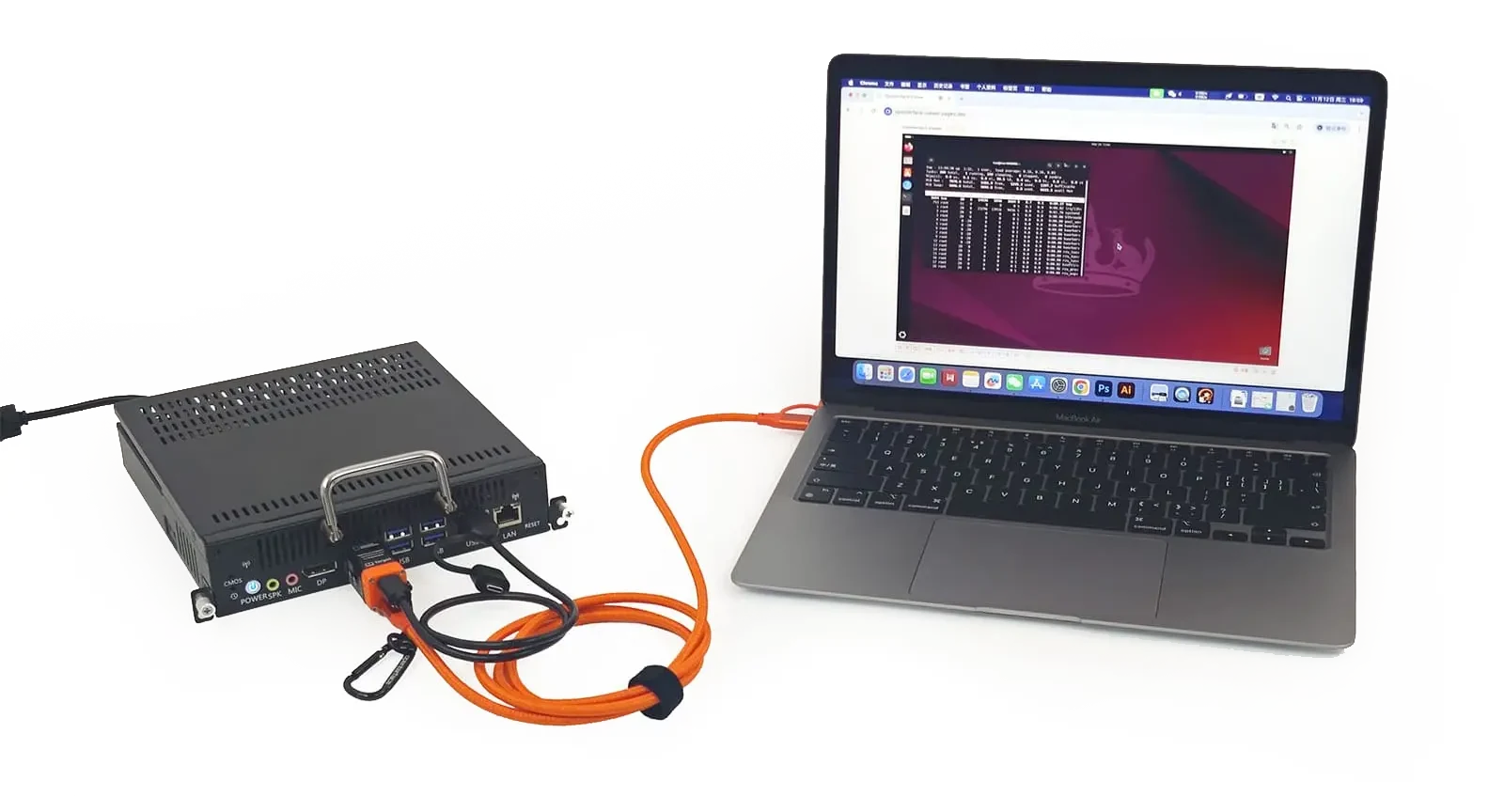
Mini-KVM and KVM-GO: video + keyboard and mouse control.







Community
Real users, real setups
@nester.3d2a
“Turns your phone into keyboard and touchpad for Pi and portable setups — now a permanent part of my toolkit.”
@nester.3d2a
“KeyMod is the keyboard and mouse for this mobile RF recon rig — no extra peripherals in the field.”
@cybermax560
@cybermax560 on instagram
@_m0usem0use_
EDC
“KeyMod is always in my bag: a full keyboard and trackpad when I need it.”
@463n7
Demo reel
“First beta test of KeyMod — already looks like a handy homelab companion.”
@463n7
Homelab
“Just popped this dongle in and launched the app. Full keyboard and touchpad without hunting for a USB cable.”
@nester.3d2a
“Turns your phone into keyboard and touchpad for Pi and portable setups — now a permanent part of my toolkit.”
@nester.3d2a
“KeyMod is the keyboard and mouse for this mobile RF recon rig — no extra peripherals in the field.”
@cybermax560
@cybermax560 on instagram
@_m0usem0use_
EDC
“KeyMod is always in my bag: a full keyboard and trackpad when I need it.”
@463n7
Demo reel
“First beta test of KeyMod — already looks like a handy homelab companion.”
@463n7
Homelab
“Just popped this dongle in and launched the app. Full keyboard and touchpad without hunting for a USB cable.”
Show all posts
@nester.3d2a
“Turns your phone into keyboard and touchpad for Pi and portable setups — now a permanent part of my toolkit.”
@nester.3d2a
“KeyMod is the keyboard and mouse for this mobile RF recon rig — no extra peripherals in the field.”
@cybermax560
@cybermax560 on instagram
@_m0usem0use_
EDC
“KeyMod is always in my bag: a full keyboard and trackpad when I need it.”
@463n7
Demo reel
“First beta test of KeyMod — already looks like a handy homelab companion.”
@463n7
Homelab
“Just popped this dongle in and launched the app. Full keyboard and touchpad without hunting for a USB cable.”
More demos on @techxartisan ↗ · All KeyMod media →